0

Creating GPIO Menu with Video background

Hey Community,

I'm new with BrightSide and I need your help with a simple question.

I simply want to create a DVD like menu with a looping movie background. The navigation must be realised by GPIO (input by a multimedia-presentation-tablet). I just tried to figure it out by my self and used different zones and media library items. Unfortunately the "Interactive Menu" item only supports image backgrounds.

I hope you can help me.

Martin

4 comments

  • 0
    Avatar
    Bright Scripters

    Hi Martin,

    This should not be too hard to do, but I'm unclear about what you describe as "GPIO (input by a multimedia-presentation-tablet)".

    GPIO typically mean, controlling the player with hard wired push buttons or other device, while a tablet would typically be communicating with the player over network. Please clarify. 

    If you could share a wireframe, or screens design layouts, that would be helpful. If preferred, you could email files to support@brightscripters.com

    We look forward getting you up and running.

  • 0
    Avatar
    Martin Kisza

    Hey,

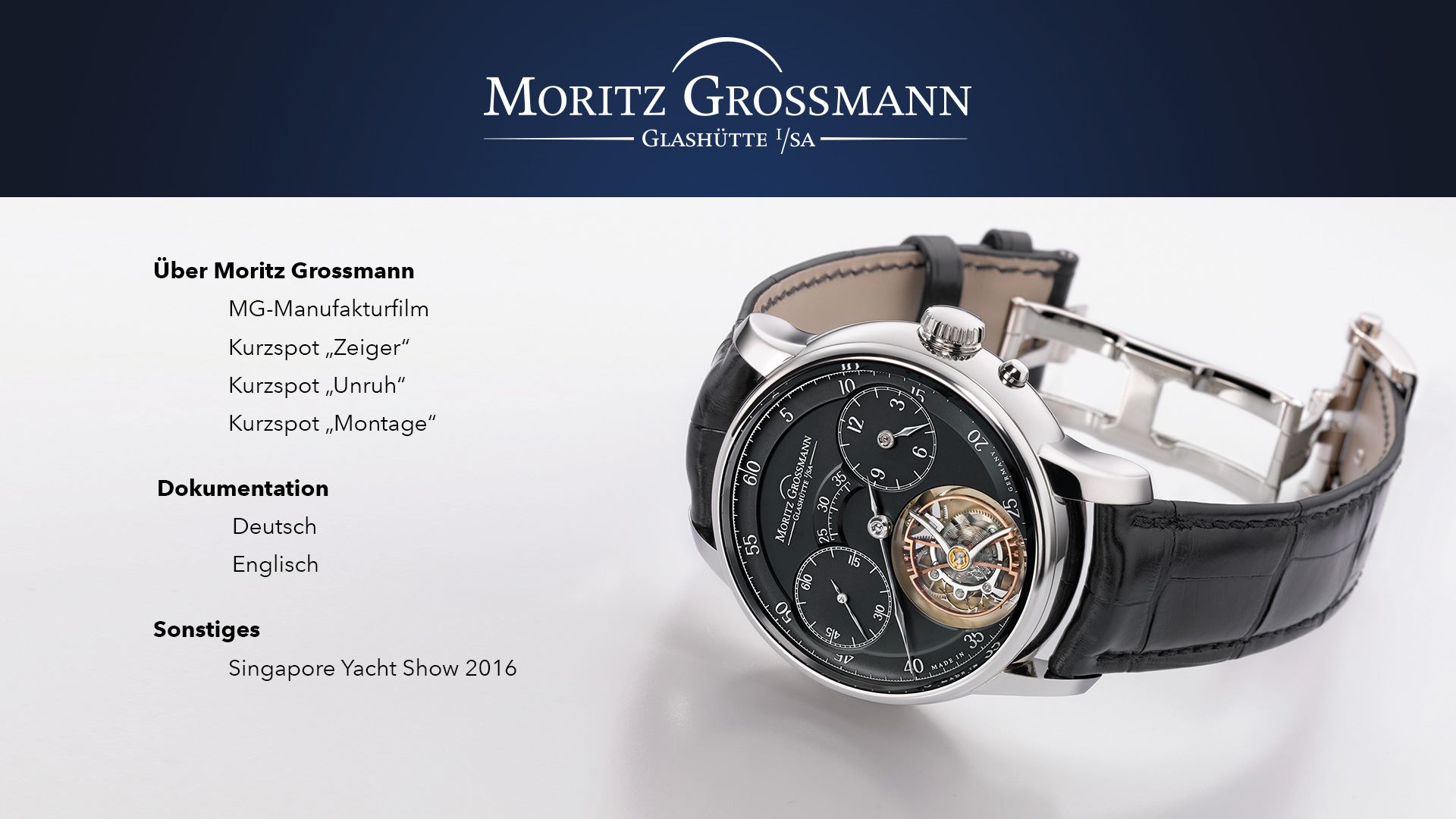
    we use a kind of complex multimedia system in our presentation room. This system is controlled by a GPIO rack to control different systems and also the HD223. This rack is getting its signals from a tablet app. So if we push the down-button at the tablet the rack sends GPIO signal "1" and so on. So with a up and down button we want to navigate through the menu (see image below).

    Infront of the menu text there are transparent PNGs (active and not active) to display the selection. As far as I know transparency only works above a movie file but not above images. So the watch in the background has to be a videofile and I did not find out how to create a menu above a video area.

    Martin


  • 0
    Avatar
    Bright Scripters

    I don't recall having issue layering transparent images...

    If you have a presentation with most of the functionalist in place, I could take a look and possibly make some tweaks for you.

    You would need to export the presentation to a folder, zip the folder, and provide a download link to dropbox or such.

    You could post the link here, or email to support@brightscripters.com

  • 0
    Avatar
    Bright Scripters

    Hi Martin

    Any luck?

Please sign in to leave a comment.