We're please to announce the release of BrightAuthor 2.2. Please read the
release notesfor a full list of what's changed. Below you'll also find some quick videos that explain some of the features in greater detail.
Download BrightAuthor 2.2 - requires firmware 3.3 and later.
Release Notes - Also includes screen shots of new menus, screens, settings.
Videos 1
Dynamic Playlists - BrightSign Network Video Time Code events Using Gpios - Buttons/Leds Touchscreen Projects, Part 1 Touchscreen Projects, Part 2 Using Serial Ports Wireless Setup[/list]
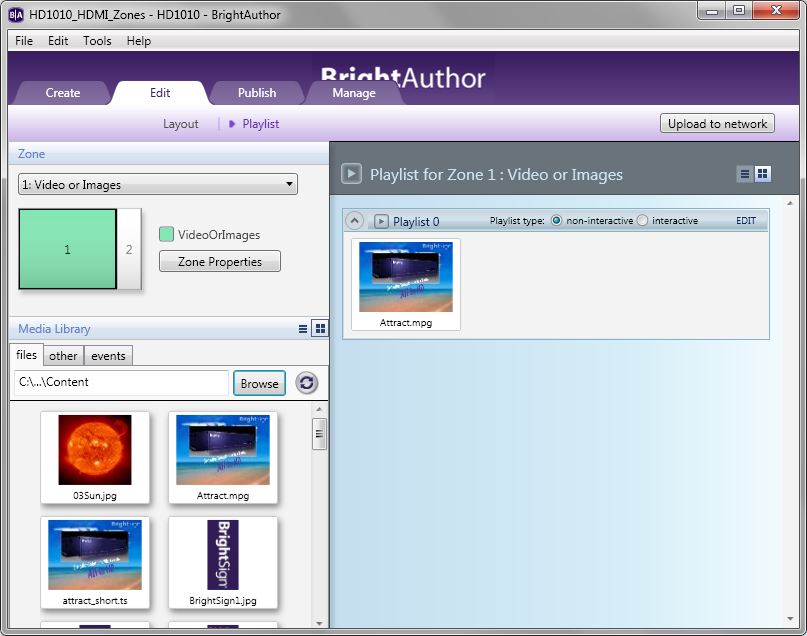 New Features Include:
 There are new networking features (Download Progress, Dynamic Playlists,etc), new Advanced commands (Pause, Resume, Powersave, etc), and additional changes including bug fixes and performance improvements.
Network Updates 1
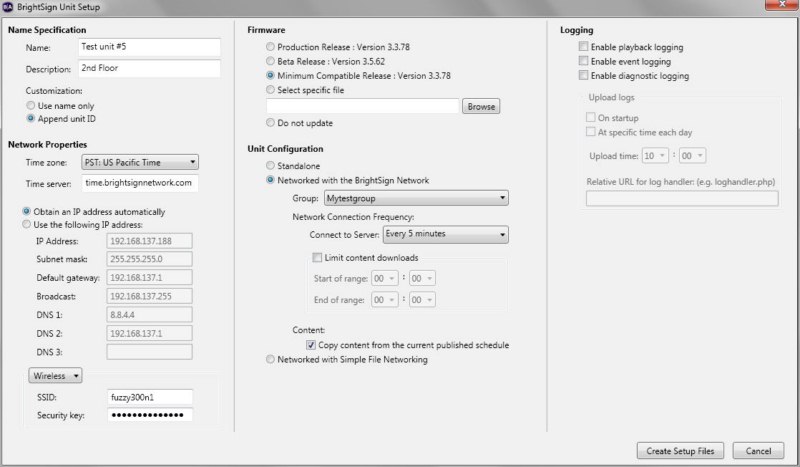
Dyamic Playlists – Works like Media RSS feeds, but reside on your BrightSign Network account; accessible from a pull-down menu when you add a Dynamic Playlist to any BrightAuthor project. Setup Wireless Units – Configure BrightSign HD210W and HD1010W for Wireless connectivity Preload Content on BrightSign Network Setup Card – The Copy Content option in the Setup Menu allows you to publish the content that’s in the current schedule in your BrightSign Network Account to a flash card, when creating setup files allowing you to avoid a large initial download. [/list]
 Interactive Playlists & Advanced Commands
 1
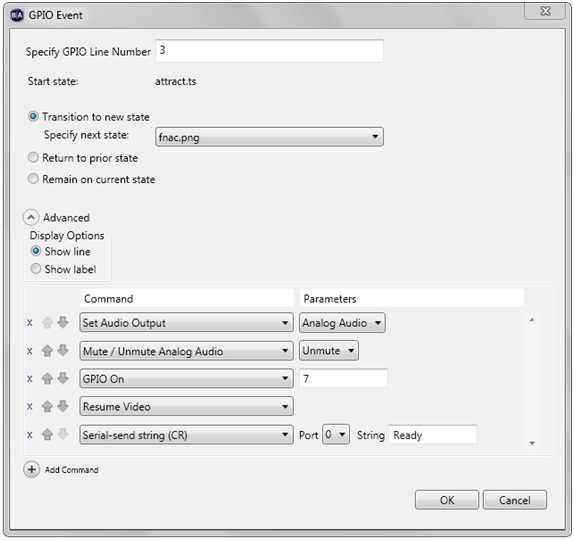
Touch cursor display mode - Set cursor to be always on, always off, or use default behavior. Control-A to select all items - You can select all states and add inputs/events that affect multiple files. You can also Shift-Click or Control-Click to select multiple files VideoTimeCode events – allows you to execute commands at specific times during a video Apply multiple transitions at once – With multiple states selected, you can draw connections so that input is accepted in all or all selected states. All events supported except Touch events. Support for multiple serial ports – You can designate the port to send to or receive input from New Advanced commands - pause, resume, powersave, send IR, send multiple serial bytes, etc[/list]
 Miscellaneous
 1
Multiple Touch Event view - all touch events for a state are listed in the same window Refresh media library - You can now refresh the media library to view content added to the library while BrightAuthor is open. Chinese language support – BrightAuthor’s user interface is now available in Chinese.[/list]
