I have a BA: Connected presentation on a HD224. There's a single interactive HTML5 event that loads a Google Slides document. This part works fine.
I'm trying to trigger CEC display power using a UDP event, but I can't seem to tell where things aren't working.
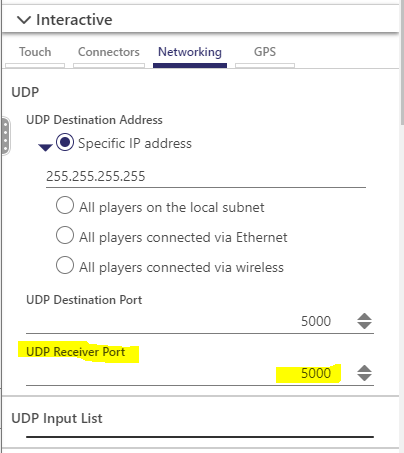
This is my screen in BA:Connected:

There is an event for "off" and one for "on.
If I use Packet Sender, and send UDP to the IP address of the unit at UDP port 5000, the packet goes out and nothing happens. Additionally, I don't see anything in the DWS Logs.
I enabled Packet Capture and captured a few seconds while I sent the packet from Packet Sender and it sure enough does show up there, so I am certain the packet is reaching the player.
What else can I do to troubleshoot this? Do I have this UDP event configured correctly?