Hi there BrightSign community!
I have been looking through all the documentation and training videos, and have not found the answer to my question, so i am taking it to the forums.
I have 2 BrightSign XT1143's - one is connected to an 85" TV (our "player") and one is connected to a 55" touchscreen panel across the room (our "remote")
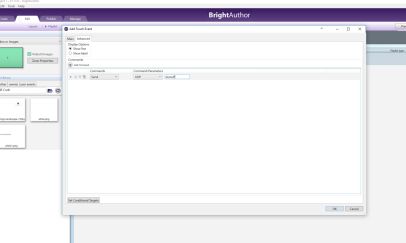
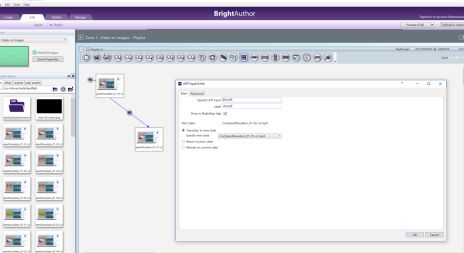
I have made the touch zones in BrightAuthor for the "remote", but they are just playing the videos on "the remote" and not on the "player" across the room. Is there a combination of a "sync" command or "link zones" that I need to use?
We don't want the "remote" screen to play the video -- we want it to only show the video options playlist (static .jpg image the whole time) ...... so I am guessing we would have "no state change" when the video is activated.... and then maybe using an "entry command" we can tell it to synchronize to our "player" TV ???
Please help!!! Thank you thank you!!