0

Multiscreen Video Playback (BrightScript)

Hello,

I have tried the examples in the documentation of BrightScript and I was not able to play a custom part of the video. My script (the example) always shows the full video file:

v=CreateObject("roVideoPlayer")
a=CreateObject("roAssociativeArray")
a["Filename"] = "output.ts"
a["SourceX"] = 100
a["SourceY"] = 100
a["SourceWidth"] = 1000
a["SourceHeight"] = 500
v.PlayFile(a)

while true
end while

The example with Multiscreen... is running and shows the right portion of the source video.

I tried different source video formats (Transport Stream and mov). What I am doing wrong or is there a bug?

Thanks

Timo


HD1022 with FW 7.0.60

9 comments

  • 0
    Avatar
    Bright Scripters

    Please include pictures, so we can better understand.

    Also, what is the experience that you are trying to make happen?

  • 0
    Avatar
    Timo

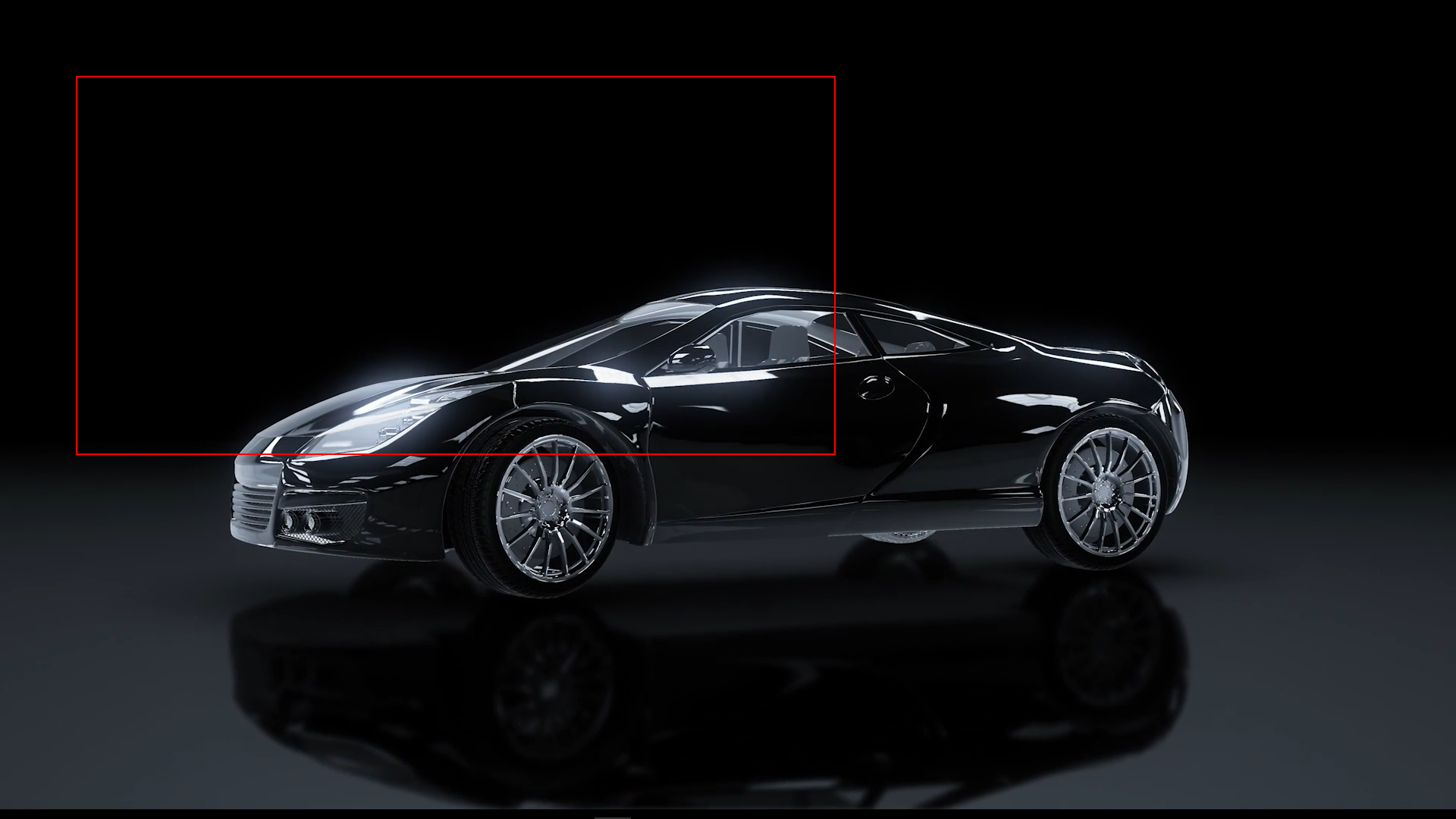
    Lets asume I have a 1080p video file.

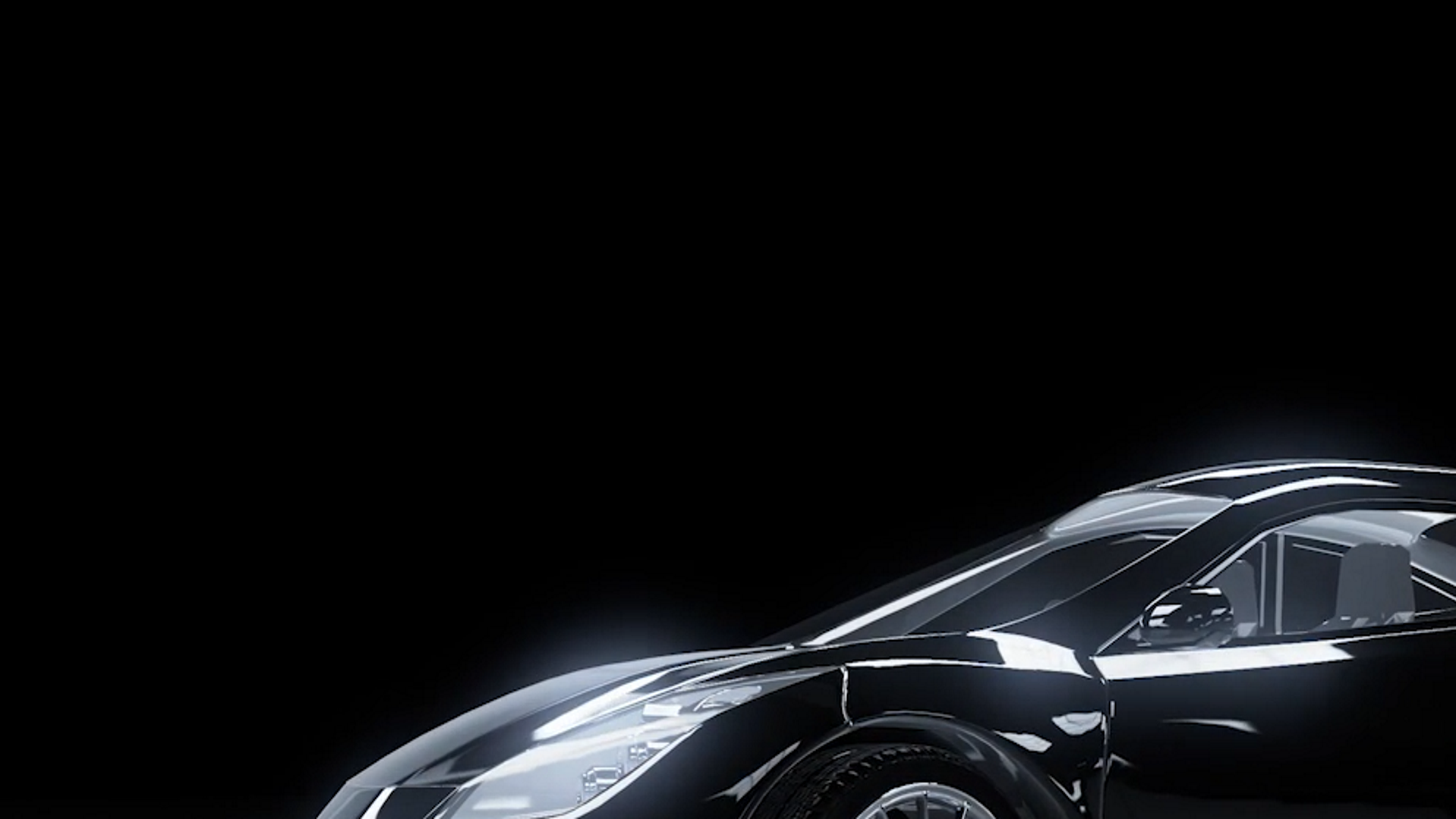
    I want to output only the content in the red box on an FullHD display in full screen.

    My video file on the player is the full car:

    The output on the display should look like this (only the content inside the red frame from above):

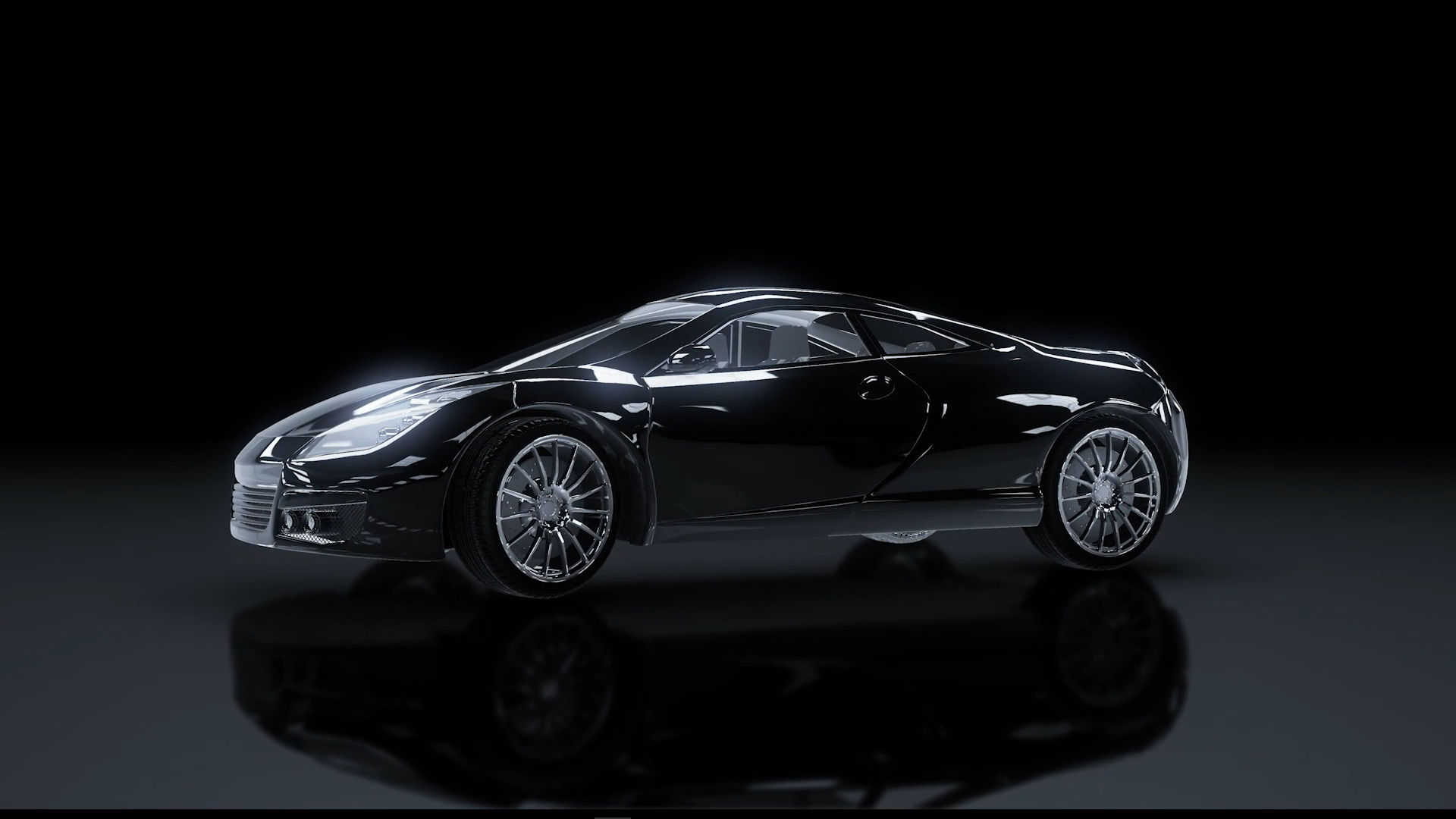
    The output of the player is always the whole car:

    If I try this code:

    v=CreateObject("roVideoPlayer")
    a=CreateObject("roAssociativeArray")
    a["Filename"] = "test.ts"
    a["MultiscreenWidth"] = 2
    a["MultiscreenHeight"] = 2
    a["MultiscreenX"] = 0
    a["MultiscreenY"] = 0
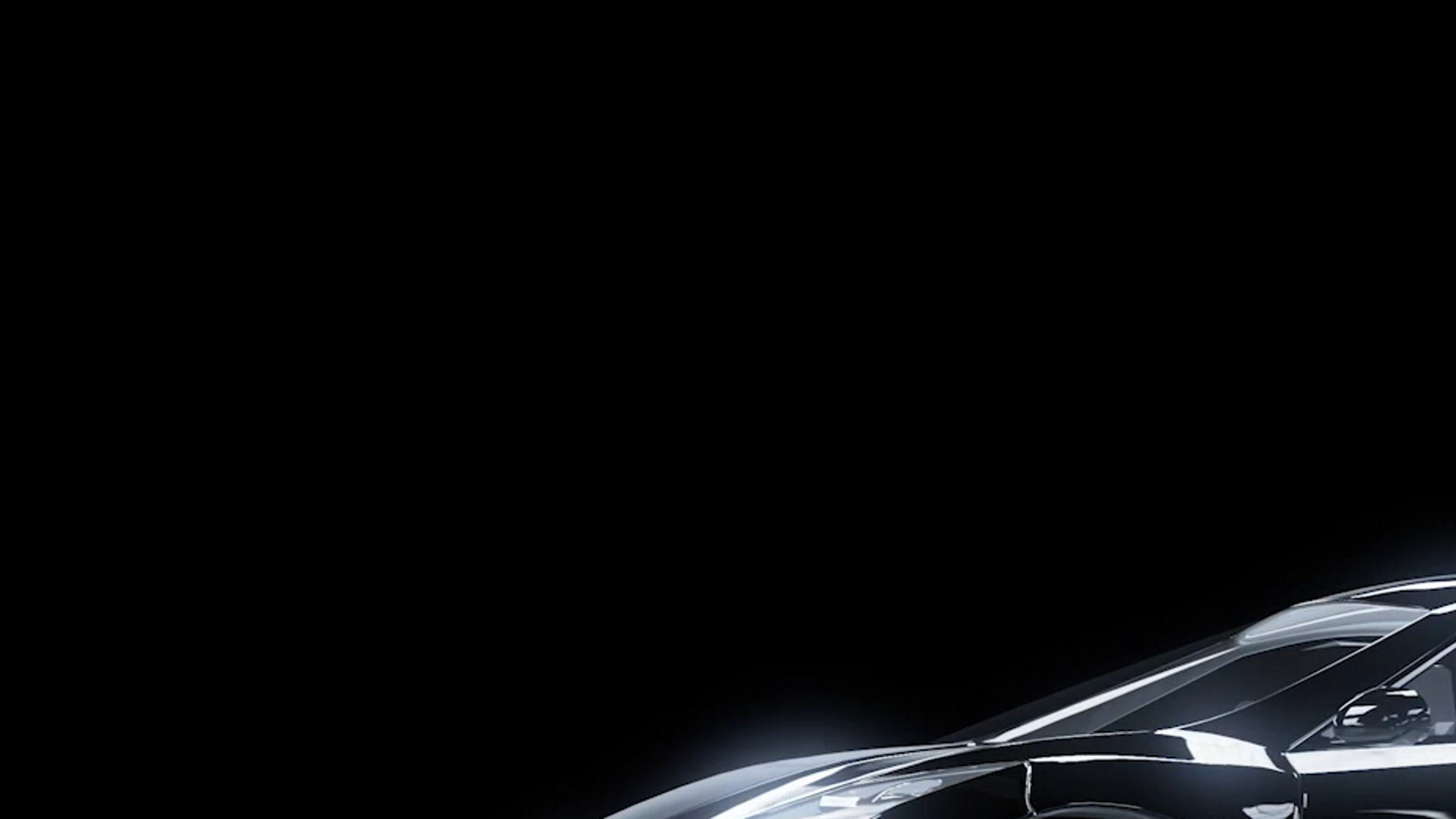
    v.PlayFile(a)

    I get the expected output:

    Thnaks

  • 0
    Avatar
    ^UD\_$

    I've never tried to crop a video like that but, have you tried to resize the video zone so it is larger than 1920x1080?

    That could be done in BrightAuthor. 

    Do you have to use BrightScript, or would BA work too?

  • 0
    Avatar
    Timo

    I want to use BrightScript.

    Never less I have tried with BA and I was not able to make the video zone larger than the project size (1920x1080).

  • 0
    Avatar
    ^UD\_$

    I wonder if it is the model that you are using which is limiting you.

    Do you have any of the 4K capable models available?

  • 0
    Avatar
    Brandon

    You can't resize the zone larger than the output resolution in Layout, but you can do it via Other>Resize Zone


    Friendly reminder, the forum is intended for user-to-user discussion. For troubleshooting problems and to ensure a timely answer from a BrightSign representative, please submit a support ticket.
  • 0
    Avatar
    ^UD\_$

    @Brandon

    Can the HD1022 do that?

  • 0
    Avatar
    Brandon

    @Udi - Yes, at least the last time I tried it, which was admittedly a while ago.


    Friendly reminder, the forum is intended for user-to-user discussion. For troubleshooting problems and to ensure a timely answer from a BrightSign representative, please submit a support ticket.
  • 0
    Avatar
    Timo

    With the roRectangle and some math I think I can manage my problem. In a fast test I was able to scale and move the native video file:

    rect=CreateObject("roRectangle", -1920, 0, 3840, 2160)
    v.SetRectangle(rect)

    Thanks for the "Resize zone" tip

Please sign in to leave a comment.