Hi,
Is there a way to limit user permissions so that they only see content that they've uploaded in the Library?
We have currently have 51 contributors in 13 locations and each are separated into their own group/role by location (Screenshot below). I'd like to be able to segregate their content so they don't see all content uploaded to the system (as it's going to get confusing). If they can only see content by their role/location - that would suffice as well.
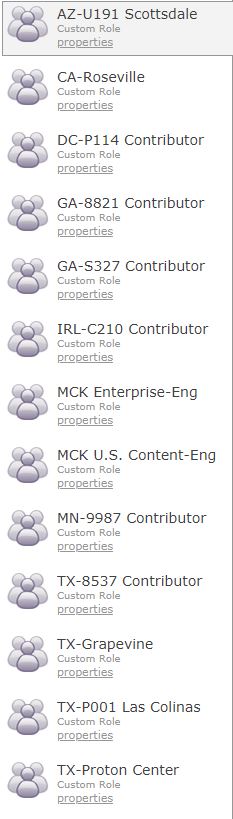
I've trained them to use the search functionality - but it would be easier if they only saw what they've uploaded.
Please advise.
Thanks,
Jason