Is there a way to see what schedule is running on a particular brightsign unit? We have end users who would like to verify that their schedule is on the brightsign unit.
Date
Votes
10 comments
-

Brandon You can view the active presentation for Local File Networking units, but viewing the published schedule requires BrightSign Network as that's the only publishing method that can report the current schedule back and knows whether the player has received it.
If you enable Remote Snapshot (on units that support it) you can also view them for units configured for BrightSign Network and Local File Networking.
-

Steven Cobb Thank you for your help. How much is a yearly subscription to the BrightSign Network for a single unit?
-

Lyndon $99 is the msrp for one unit for one year
-

Johnseaton85 How do I enable remote snapshot?
-
Johnseaton85 Using BrightAuthor, how do I enable remote snapshot?
-

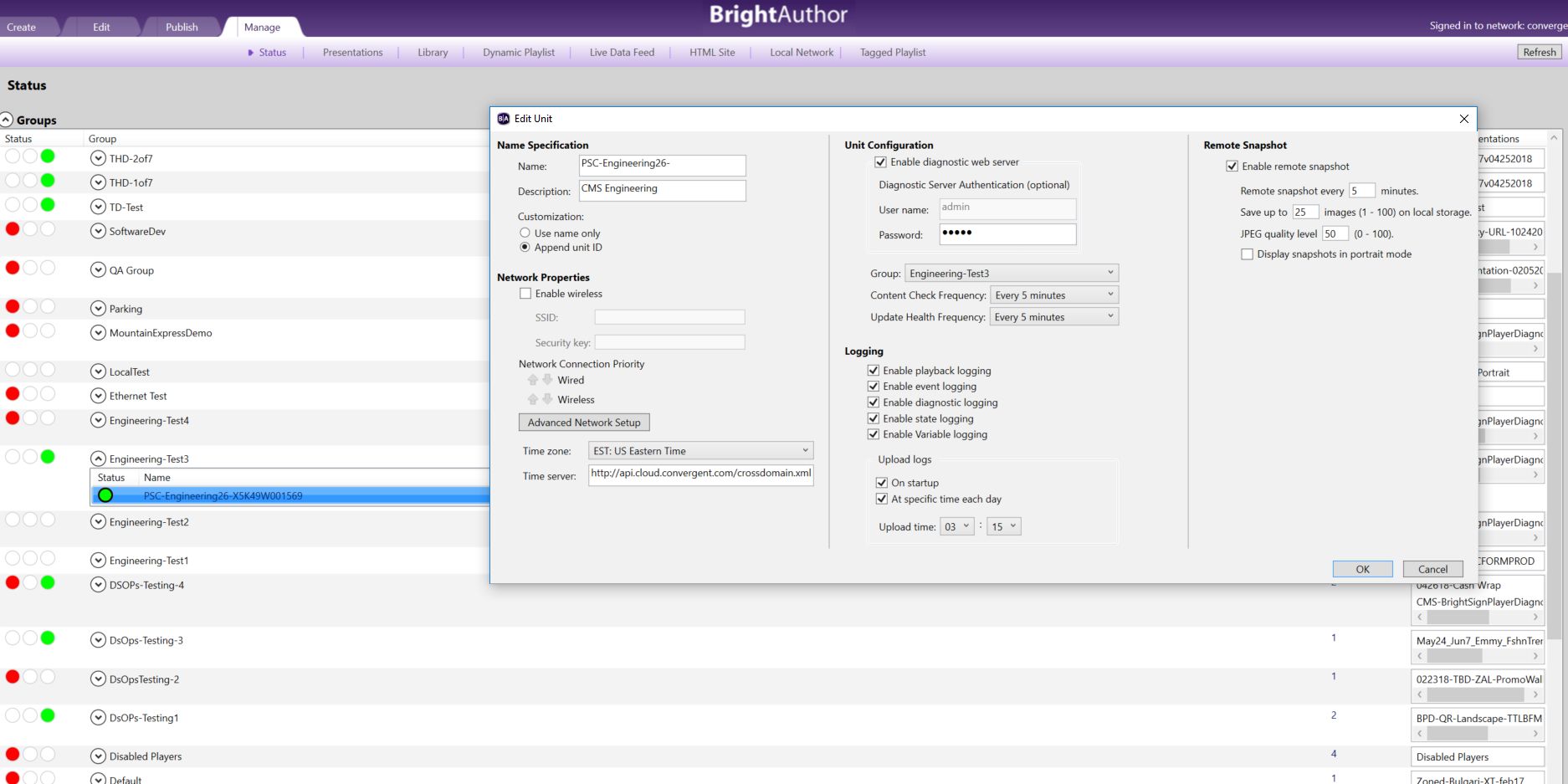
Allen H. Porter Login.
Manage tab
Right-Click player of interest. Select Edit.
-
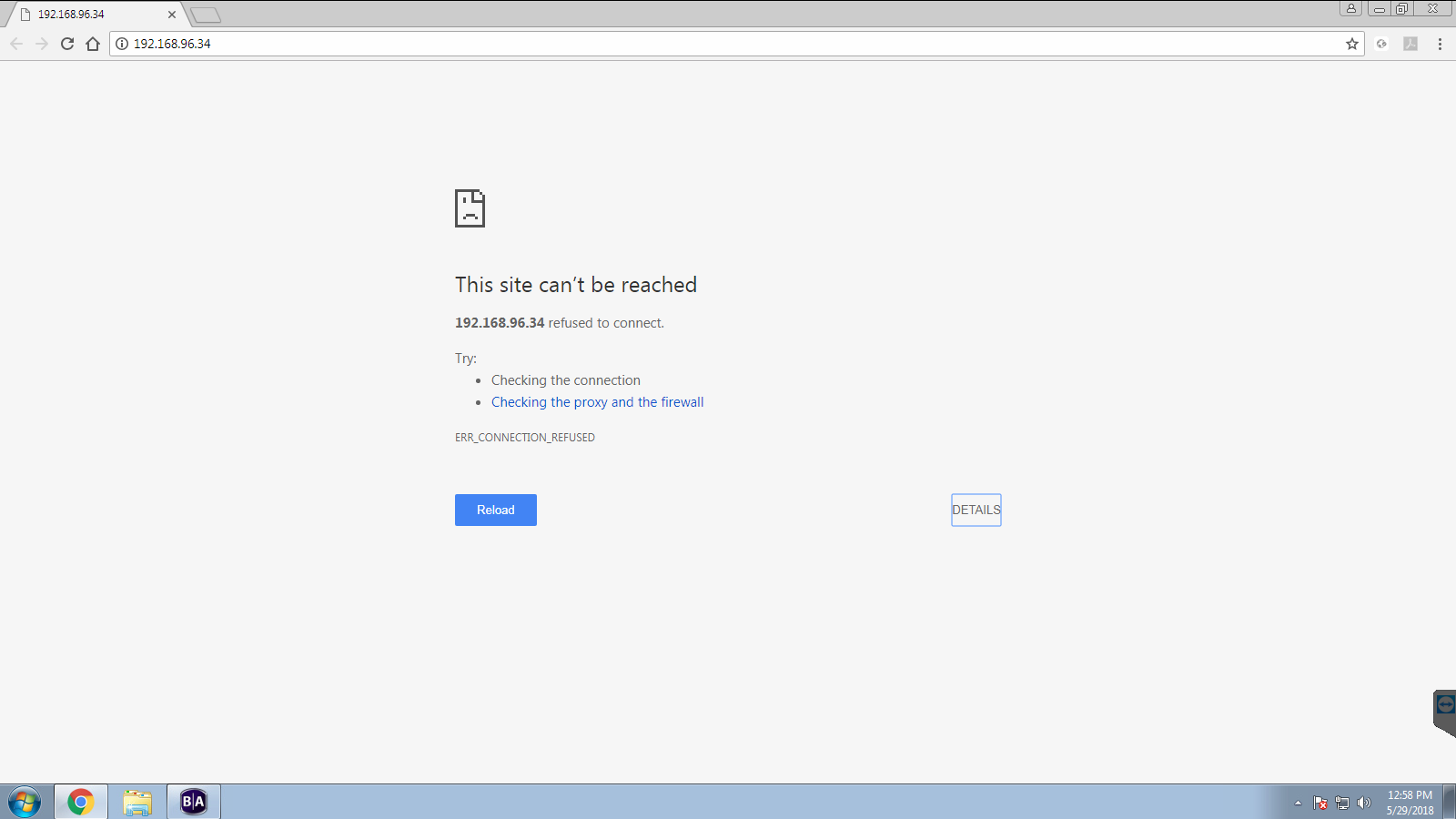
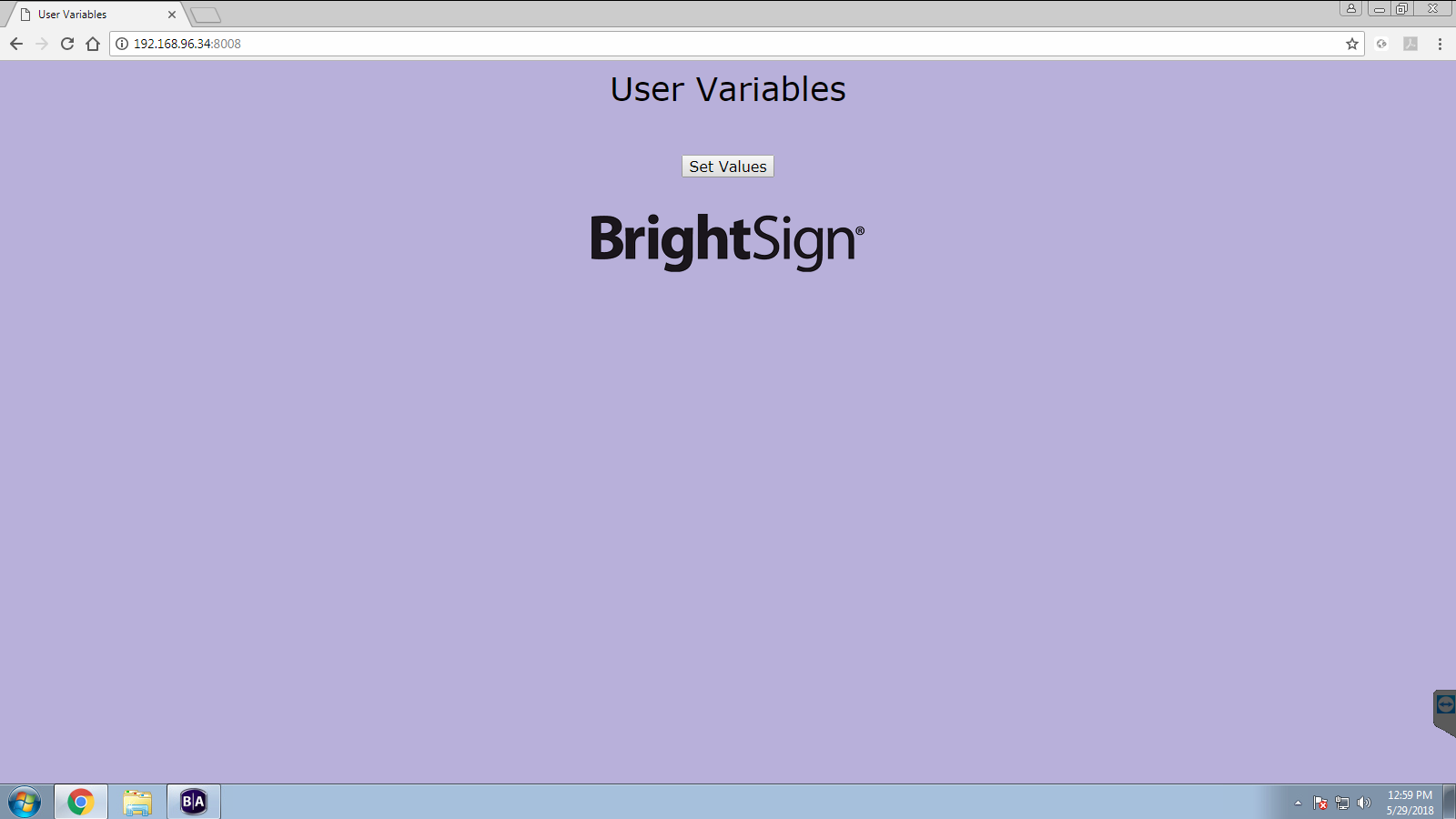
Johnseaton85 What version of BrightAuthor do you have because my BrightAuthor software looks different under the Manage tab. I've included 4 screenshot attachments. The first one showing that I don't have an EDIT choice. The next 3 screenshots showing what happens when I click INFO, DIAGNOSTICS, and DEVICE WEBPAGE. Nothing happens when I click SET VALUES on the last screenshot.
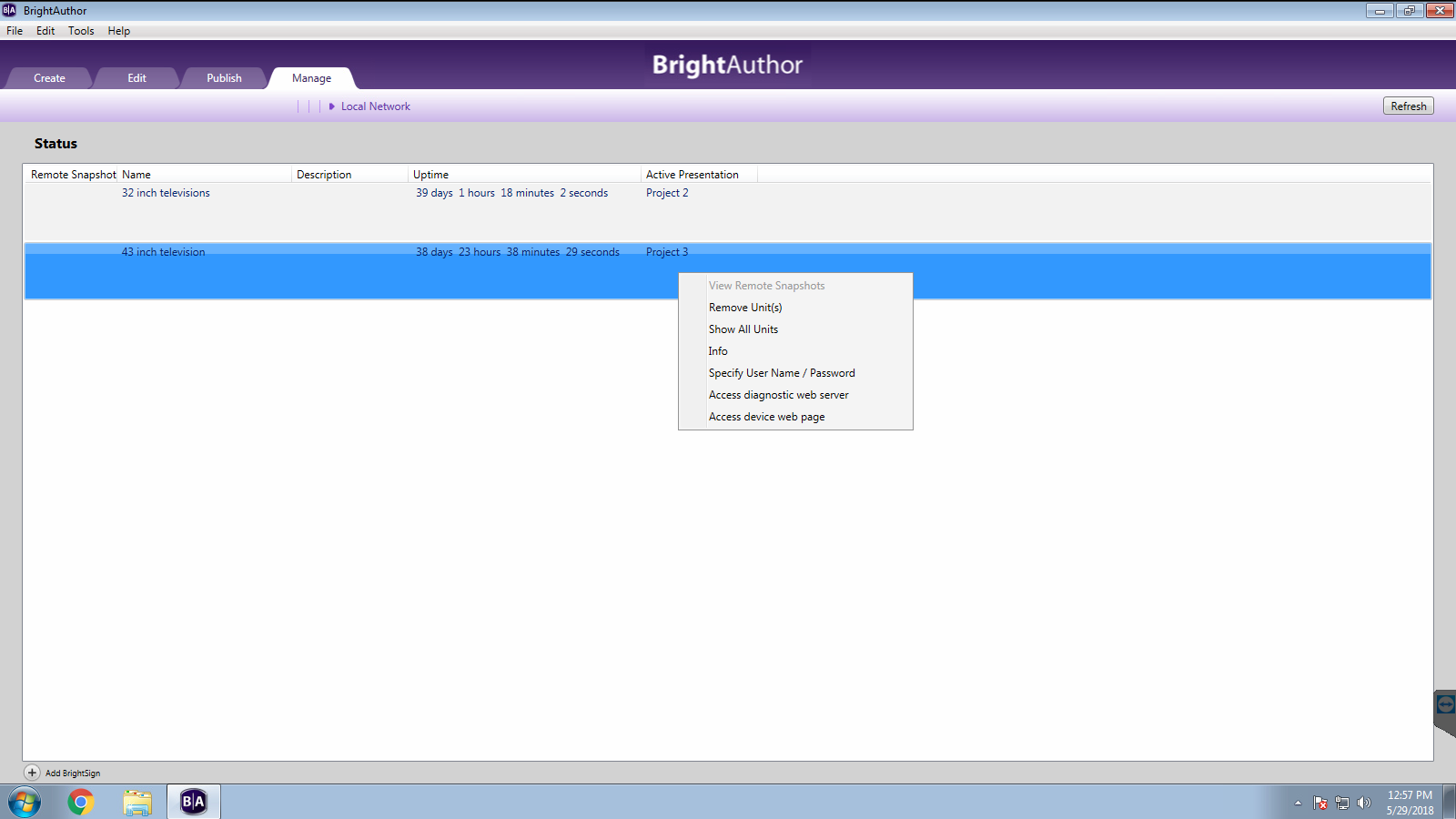
The INFO selection

The ACCESS DIAGNOSTIC WEB SERVER
The ACCESS DEVICE WEB PAGE - when I click the SET VALUES button, I get returned to this page
-
Brandon You can only edit the configuration of BrightSign Network players from BrightAuthor. For other publishing types, you should create and apply new setup files from Tools>Setup BrightSign Unit.
If the Diagnostic Web Server was enabled, which it doesn't look like it is, then you could enable Remote Snapshots from the Snapshots app in the Apps tab.
The User Variables page is for changing/viewing the values of user variables in the running presentation. There aren't any listed, so Set Values will do nothing.
Create and apply new setup files for the player(s) to enable Remote Snapshot.
If you can't physically access the players, but you can publish to them, you can try using the plugin to publish a presentation containing new setup files to apply. I prefer using the Diagnostic Web Server method, but yours appears to be disabled, so that won't work.
http://docs.brightsign.biz/display/DOC/Editing+Network+Settings+on+a+Player
Friendly reminder, the community forum is intended for user-to-user discussion. For troubleshooting problems and to ensure a timely answer from a BrightSign representative, please submit a support ticket. -
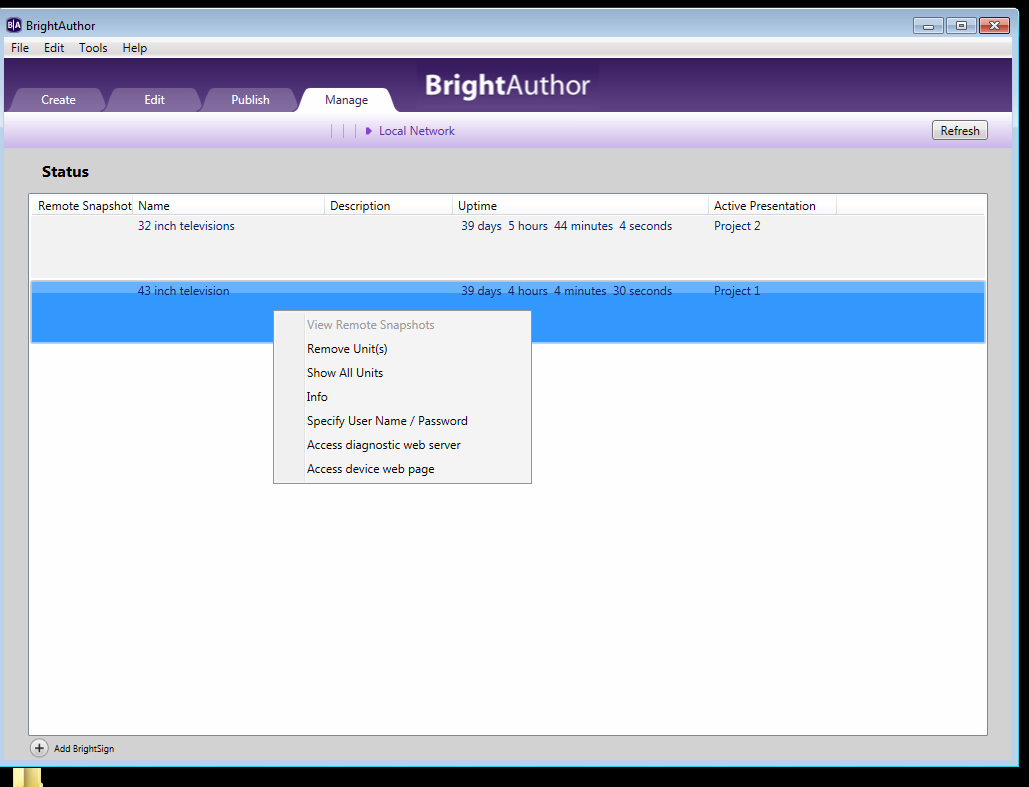
Johnseaton85 Thanks Brandon. I'm trying to view remote snapshots but when I right-click the device, View Remote Snapshots is greyed out. Why is it greyed out?
-
Allen H. Porter Does that even work for a player in Local Network configuration? I don't use that option. But View Remote Snapshots for us is a list of snapshots, uploaded by the player, on our BSNEE server. To view them directly on the player you need to browse to the player's IP and then I think it is under "Applications" tab. I don't do this much so I am not the best resource.
Please sign in to leave a comment.