0

Live input position needs to be cropped or positioned offscreen

I have a challenge...

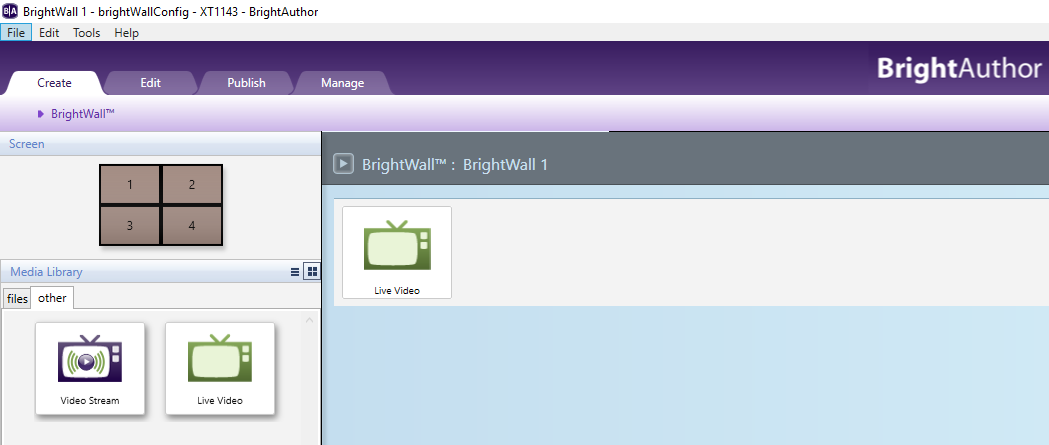
We have a quad monitor setup (several of them actually) and we are going to be displaying a screencast of an iPhone. The producers want the image to be as large as possible without being dead center where the monitor bezels meet.

I had figured; 'no problem 'i'll just put -300 in the x position to move the image off of center'. Inexplicably that does not work.

Next thought 'I'll crop away the section of the live input that we won't see and then I can position it normally'. Apparently it is impossible to crop the live video input.

Am I missing something? Or is it impossible to position (or crop) the live video input?

Thanks

Doug

2 comments

  • 0
    Avatar
    Alex

    By quad setup you mean 4 monitors located together (video wall)? If you have 4 brightsign players with hdmi input (four XT1143 units for example), you can create a 2x2 stretched BrightWall and publish it to the units. For this setup, all players in the wall need to receive the source HDMI signal from iPhone. You can connect iPhone to the units through hdmi splitter.


  • 0
    Avatar
    Doug Johnson

    Thanks for your reply.

    By quad monitor I mean 4 monitors are being driven by the output of a single brightsign unit (I don't know what tech they are using to span it across the monitors). The only reason I mentioned the quad setup is that the bezels are the problem; and I need to position the center of the live input to the left or right of the vertical bezel line.

    I have found a less than ideal solution. After initially placing the layer I can go into the advanced settings and then position the layer in there. It is not ideal because the unit will not take negative numbers so I can't place anything left of center. we have been forced to recreate all of the artwork to place the live input to the right of center.

    If you know of another way of positioning the video layer I'd love to hear it.

Please sign in to leave a comment.