I need to create a synchronized Brightwall presentation that will loop over 4 monitors. 1 master and three slaves all playing 1/4 of the video in a seamless loop. I want to be able to stop the master touchscreen and drill down into a product slideshow on each of the screens. I would like all of the screens to go to their respective slides shows when I touch the master screen. At any time the four screens could be navigated and when I am ready to start the loop again I come back to the master screen and hit a onscreen button to start the loop back up after all the Brightsign players get back in sync. Is this possible?
Date
Votes
7 comments
-

Doug Connell We are using BRI 4K-1042 players
-

JRB Technical Currently BrightWall does not offer any interactive capabilities yet (hopefully it will soon).
However, you can set things up as a Master and 3 slaves, and use UDP synchronization commands across the players to handle the options you describe, keeping the loops in sync across all 4, and switching to individual content when you trigger such.
-

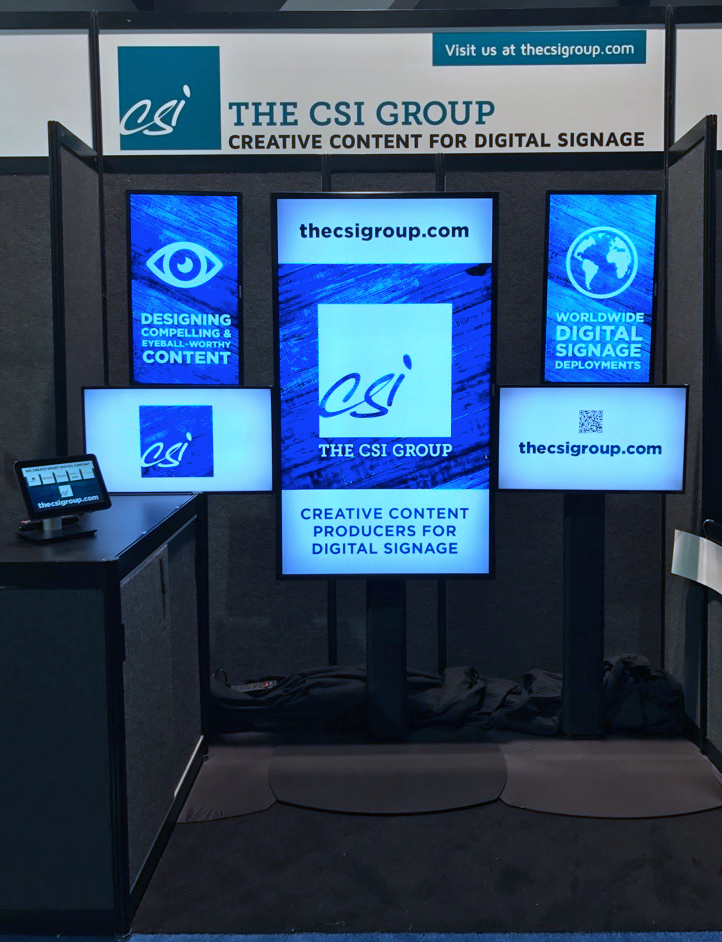
^UD\_$ If you happen to be at DSE in Vegas, you can see our 5 screens BrightSign enabled interactive video wall in action at Booth C13.
This year it is driven by a 10" Elo touch tablet, with HTML5 UI, served from the master BrightSign player.
-

Chris Wright Hi,
My only comment is that Master / Slave configurations are NOT frame accurate, and this presents a problem when they need to be frame accurate for lip-sync across several screens, unless BrightSign can provide a solution to this.
-

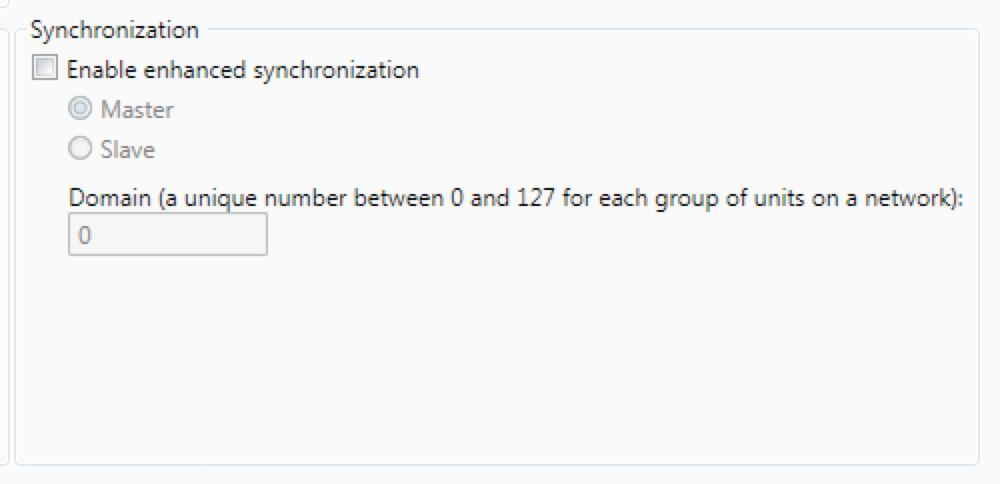
Bright Scripters That problem may have already been solved by the Synchronize event, and settings in the Presentation Properties -> Interactive.

-
JRB Technical Can someone from BrightSign please post more detailed information on how exactly to use Enhanced Synchronization?
Something more than "we recommend creating a BrightWall presentation instead."?
People want interactivity with BrightWall, but this still has not been made available, even though it was announced.
Thank you.
-

Romeo Hi,
https://brightsign.zendesk.com/hc/en-us/articles/218067417-Synchronization-options
Please refer to the above post which describes the video wall /synchronization options available (see the "Resources" section for further details).
Regards,
Romeo
Please sign in to leave a comment.