0

Change IP address

Hi There,


I am trying to change the subnet of one of our brightsign players.  I have tried following the process in the support documentation however this has not worked for me.  I have looked into the autorun.brs file and this is the infomation I have inside.

autorunVersion$ = "7.5.15" 'BA 4.4.0.15
    customAutorunVersion$ = "7.5.0"


I have also manually changed the ip address inside the seetup.xml file however I am guessing the device is not picking up this new information. 

I need to set the device static ip and need your help.

Also note that the device does not have a SD but all files are loaded on a USB stick.

Any help would be appreciated.

Thanks

Yogesh

7 comments

  • 0
    Avatar
    Brandon

    Create new setup files from BrightAuthor and apply them.  Do not mess with the autorun.brs, and changing the Setup.xml won't do anything as the unit is already set up.

    Write new setup files with the proper information using BrightAuthor's Tools>Setup BrightSign Unit to the USB stick, then power up the player with the stick to apply the configuration.

  • 0
    Avatar
    Yogesh Ranchool

    The brightsign usb stick has all the published files as well.  By creating the new setup files, will it overwrite the media files or just the setup information?


    Thanks for your help.

  • 0
    Avatar
    Yogesh Ranchool

    I was able to get the new IP setup however it now says to remove the USB Stick.

    I still cannot connect to the unit when I try to add the new ip for publishing.  Says it cannot access Brightsign on the device.

    I removed the USB, formatted it and put it back in, rebooted and still no connection.

    Any help would be appreciated.


  • 0
    Avatar
    Yogesh Ranchool

    I have enabled both the DWS and the local web server however I am unable to find a way to get to the local web server.  I am able to connect to the diagnostic web server without any issue.

  • 0
    Avatar
    Yogesh Ranchool

    Hi,


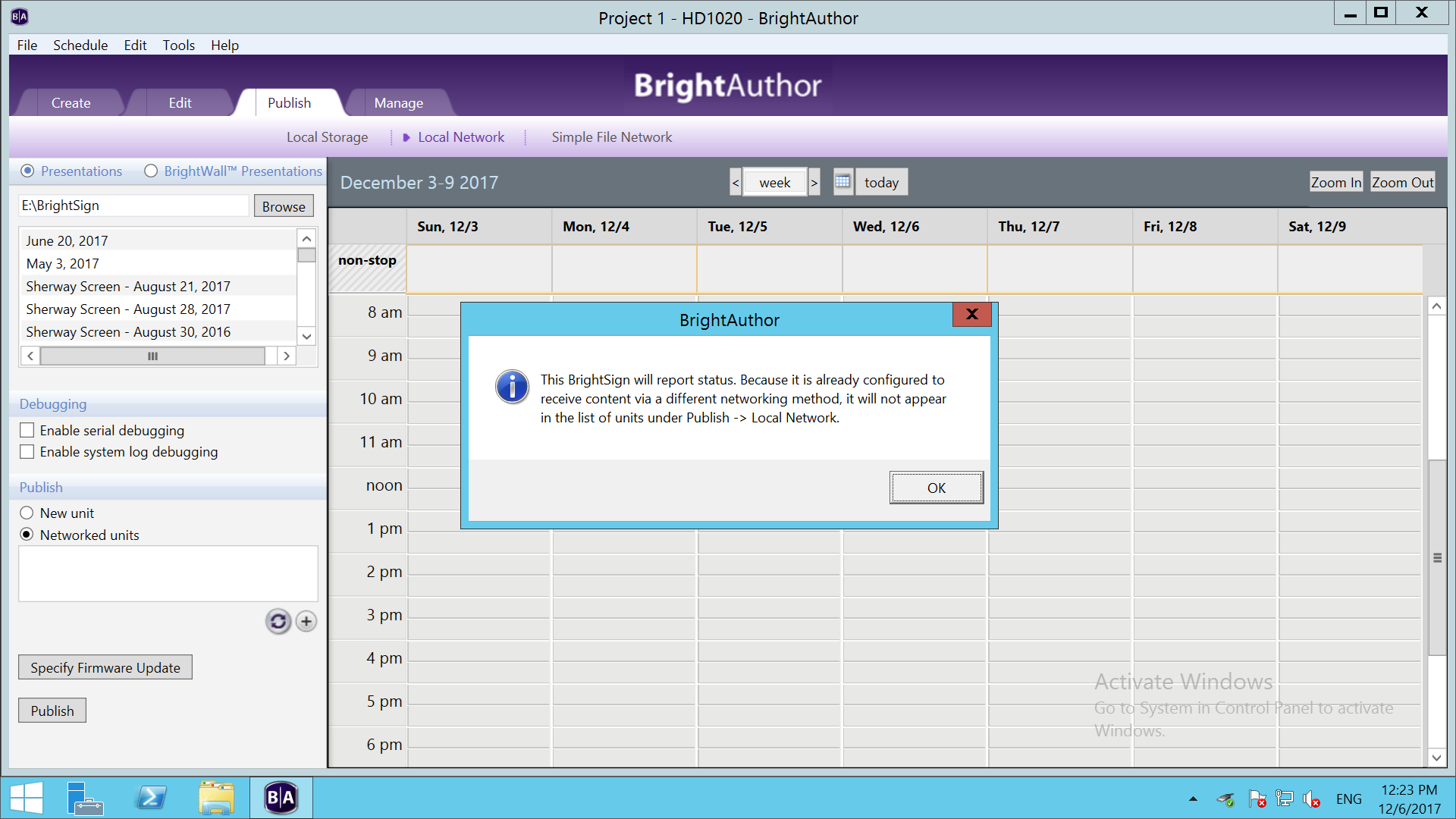
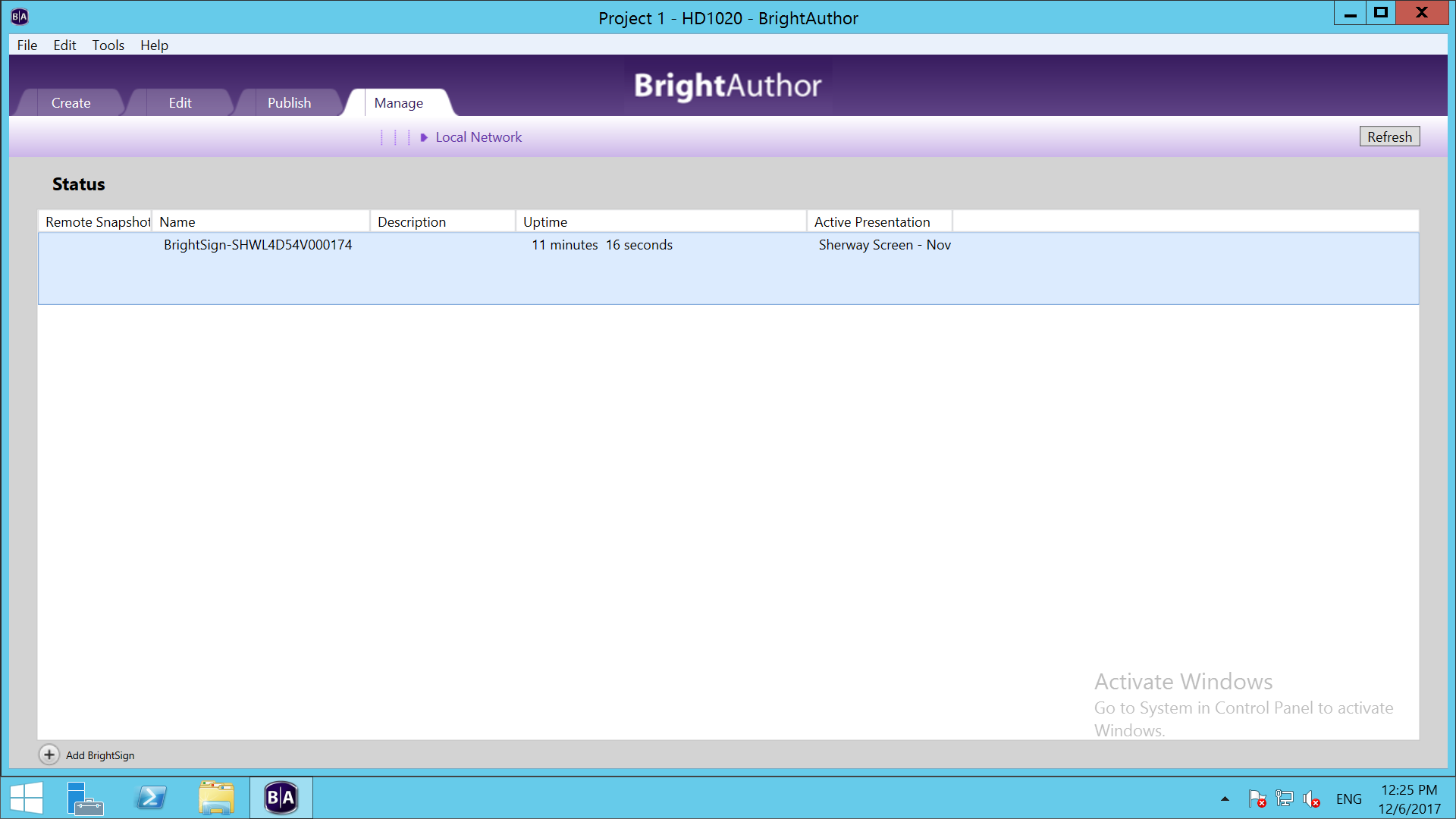
    So I have the unit back up and running again however I am still having issues publishing content to it.

    Attached you will see 2 screenshots of the issue.

    How do I resolve these?

    Thanks again for the help.

  • 0
    Avatar
    Brandon

    You applied Standalone setup files and tl are trying to use it in Local File Networking mode.
    Do the setup again and make sure Local File Networking is selected in the center column.

  • 2
    Avatar
    Chadd Austin

    I find it retarded that you have to basically rebuild everything just to change the IP.  I see forums wrestling with this from 2015 where supposedly a feature request was going to be implemented to fix something that should be so basic; yet here it is half way thru 2018 and we still have to remember all the settings the AV guy used to create our setup files just to change an IP.

Please sign in to leave a comment.