Hello,
how can I do zones transparent?
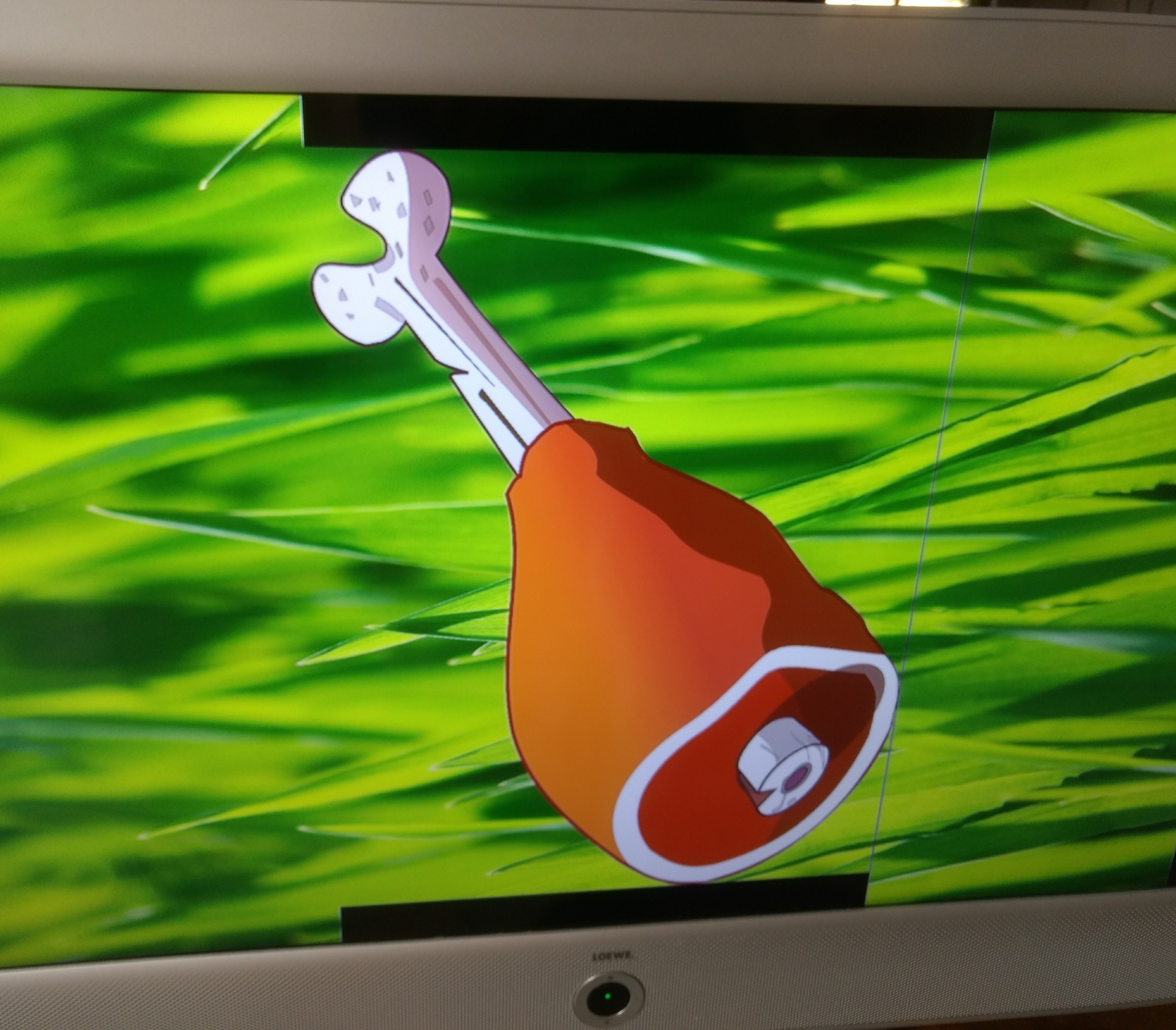
My problem is, that I have different pictures in different resolutions. Smaller Pictures have a black edge..
Hello,
how can I do zones transparent?
My problem is, that I have different pictures in different resolutions. Smaller Pictures have a black edge..

There is a little trick that might help you.
I'm going to make an assumption that the drumstick, is an image which takes about 1/3 of the screen width, and the full 1080 in height, with transparent areas at the top and bottom.
Problem that I've seen in the past was, that the player crops the visible image, leaving off the transparent space.
To work around that, we placed a pixel at the edge of the image, with very little opacity, that is practically invisible, but mathematically speaking, not zero. The player would then include the transparent area, and you should not see the black bars.

Do you mean I need to edit all my pictures?
In one playlist I want use 60 pictures. I can do a transparent background with full Screen or place a pixel on the edge by photoshop but that is much work.
Ist there one other opportunity?
I could think of something else, if I had the full scope of what you are trying to do.
Can you share the presentation file, or provide a description of the application?
Yes, I created an example:
https://drive.google.com/drive/folders/0B0qWBQ8v3ePXZXRHeWdVY3NndlU?usp=sharing
I want use two zones. Zone 1 should be my background (never change) and zone 2 should be before (without black bars).
I think background screen colour is the problem.. why can`t I select transparent? It would be all what I need.
Thanks for the files, but it would be better if you send me the presentation file. (.bpf)
Even better would an export of the project, which would include the project file and all assets.
In addition to what I've already suggested (You could automate Photoshop to batch process all of your images, to add invisible pixels), you could also try this:
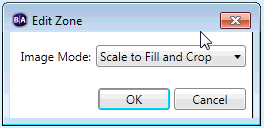
Resize the middle zone, so it is not reaching the top and bottom of the screen, and set that zone to "Scale to Fill and Crop"
Best if all of the middle images are of the same dimensions.
Can't find what you're looking for?
Contact support