0

Push buttons - Power, but not communicating with Bright Sign

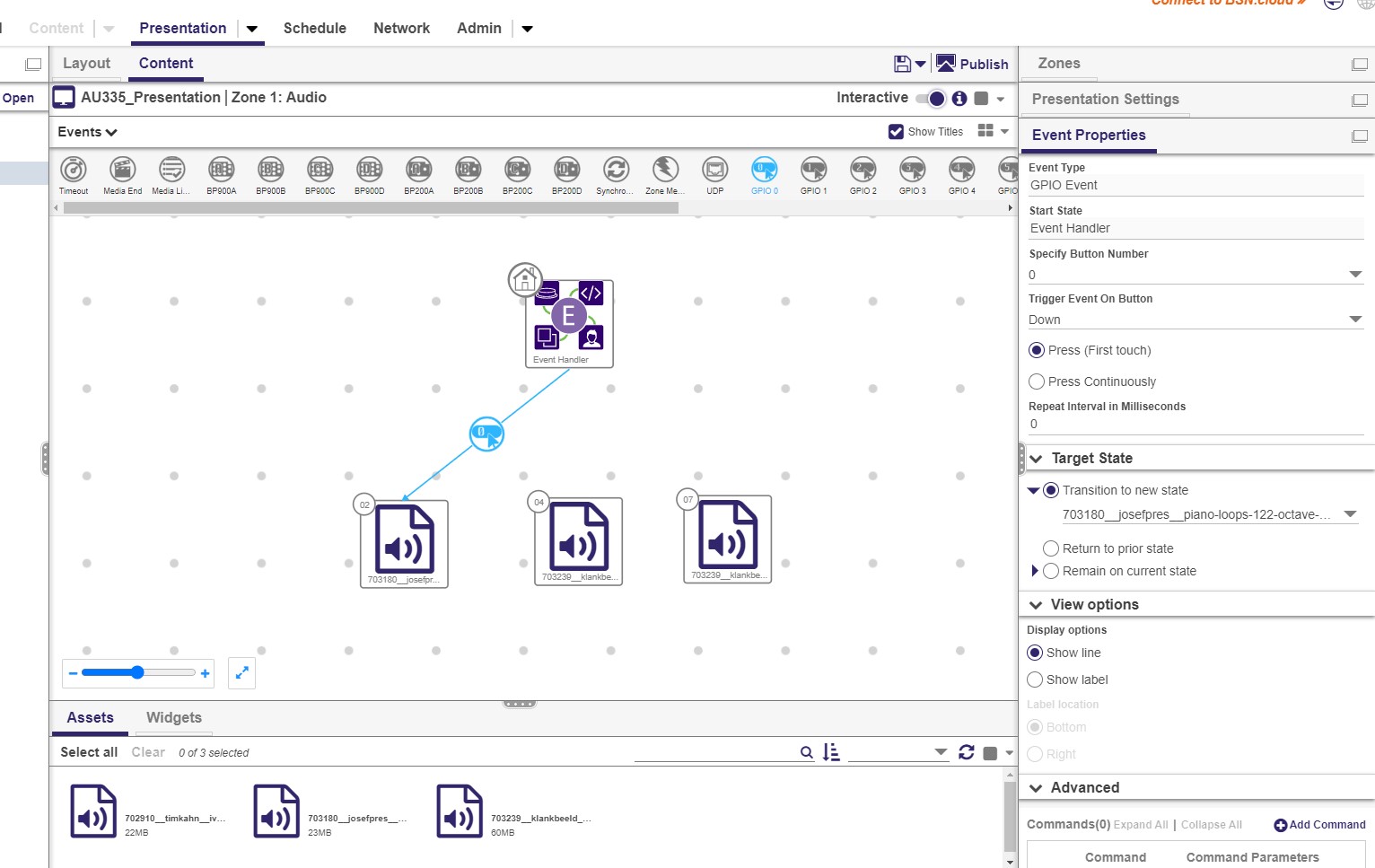
Greetings, I have a very simple project. I need to take a AU335 brightsign, assign it to three push buttons, with each button triggering a different audio file. Problem is, nothing happens when I push the button. Seems there is zero communication between the brightsign and the push button.

Here are the buttons we're using.
Nexmosphere Button S-B90W43 - Media Solutions

Yellow is the "live" wire and "Red" is the button.
Here are some photos of the configuration.
 

2 comments

  • 0
    Avatar
    Alex Nunez

    I suspect the audio file may actually be playing, you just may not be hearing it because the audio volume level may be set too low somewhere else in the presentation. As a test, instead of using audio files, try to see if you can get it to change between different images instead. This will give you visual confirmation that BTN0 "triggering" correctly. 

    Also, since the yellow wire is connected to pin 2, I would think the LED will always remain on regardless of the button logic that occurs.

    1 - GND

    2 - 3.3V

    3 - BTN0

    4 - BTN1

    You should try moving the yellow wire to pin 4 (BTN1) and set the GPIO Configuration for BTN1 to Output.

    Hope this helps.

  • 0
    Avatar
    Mark Chester

    Thank you for the response, all good advice! The issue turned out to be the push buttons. The buttons I was using were not compatible with the BrightSign. After testing with a different set of push buttons, everything worked perfectly as expected. I'm not sure what the issue was with the initial push buttons, but I'm good now.  Maybe it was the button voltage, I'm not sure.

    Thanks again for the response. 

Please sign in to leave a comment.