0

Sync way off

Hi,

I have been working on a project with 5 Ls5 (ls445)


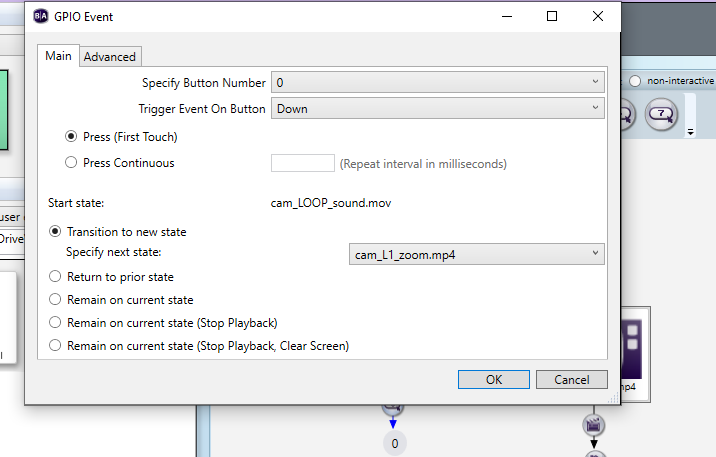
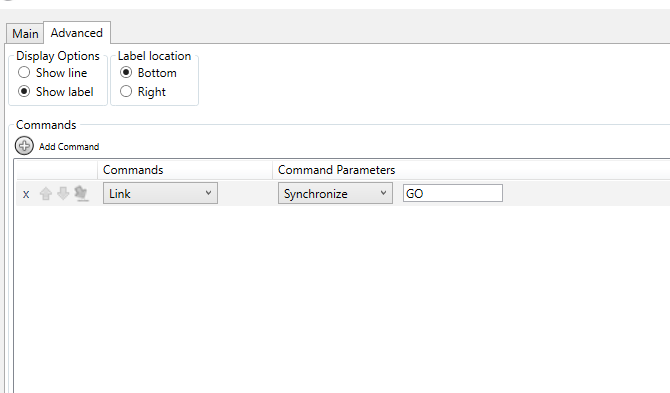
My goal is to have them sync so i did used the synchronize option

So right now they seems to start pretty much at the same time, but they don't finished at the same weirdly, Yes all the length of the videos are the same. i have 5 different video all under 25mbits.

Also If i start one Ls5 it does played smooth but if i add another player it's started to lag and it goes and yesterday it was different they wasn't starting at the same time but they were finishing at the same time


any clue ?


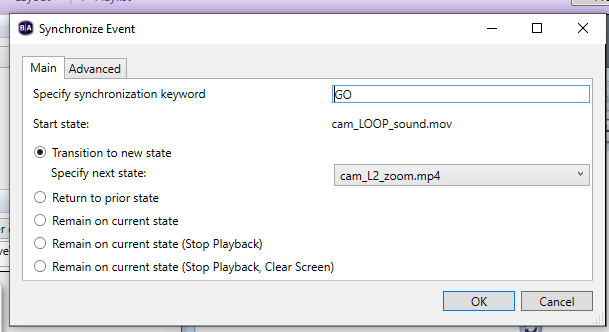
After you will find in my sync event 


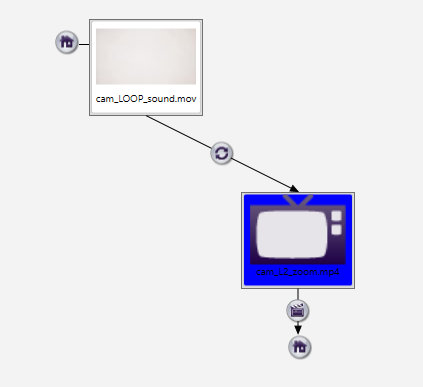
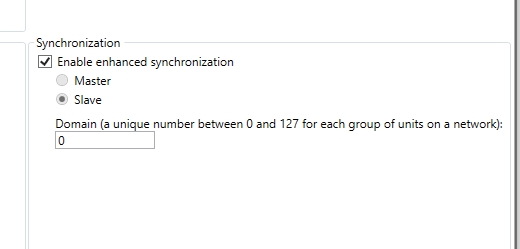
And here the setup for the master. I will have a Bottom to start the video


4 comments

  • 0
    Avatar
    Brandon

    Make sure you are updated to the latest firmware/OS version - at least 9.0.120

  • 0
    Avatar
    Emmanuel Lafrance

    HI Brandon,


    Still me ! I did used the latest firmware 9.0.120 on all 5! The glitch is Gone on the HD content but not on the 4K at 80Mbits but I Still have some issues with the first video that is always few frame in advance regarding the rest that are pretty much on time. Sometimes they are in time and some other times they ain't on time like if I press on the button right away after the end they won't start synchro but if  I let them on the idle for few seconds they will be on time is that normal !?

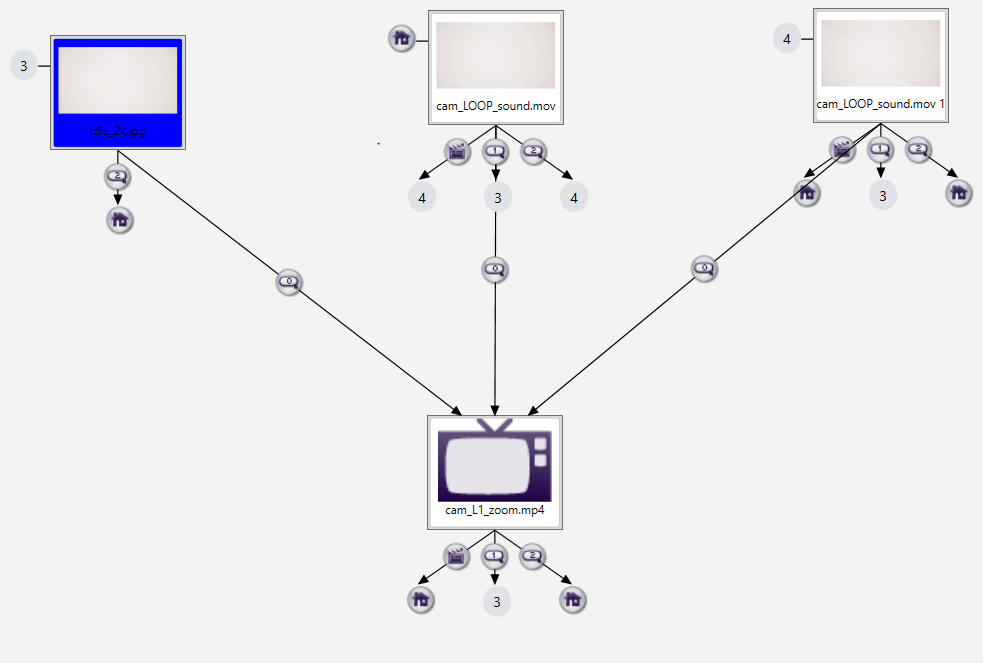
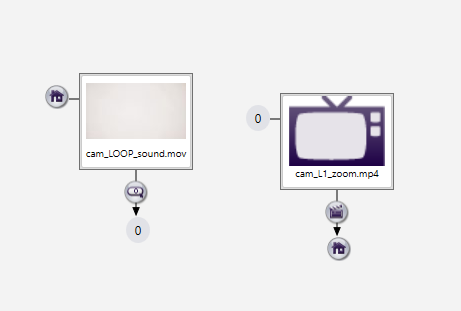
    Also Now Instead of staying on the idle looping, it does sometime reboot to the idle leaving a black screen cutting the sound and starting the idle back it's weird never done that before and even on the video i select the option loop media if no transition specified. I noticed that after the video end it does the  media end and  it goes to the idle but when it's done and started looping by itself it's started to lag and then the master reboot


  • 0
    Avatar
    Brandon

    This is often caused by media that goes out of spec, but it could be a presentation issue or a bug as well.  Please submit a support ticket, we will need a download link to your presentation export (including the referenced assets).

    _________________________________________________________________________
    Friendly reminder, the community forum is intended for user-to-user discussion.  It is not regularly monitored. For troubleshooting problems and to ensure a timely answer from a BrightSign representative, please submit a support ticket

  • 0
    Avatar
    Emmanuel Lafrance

    After few check up, I finally did a looping sequence with my idle. Also, for the unsync now it's fine, it's like if the player needs to create a cache by playing each video once and after that they sync every time!  Thank you it's working

Please sign in to leave a comment.