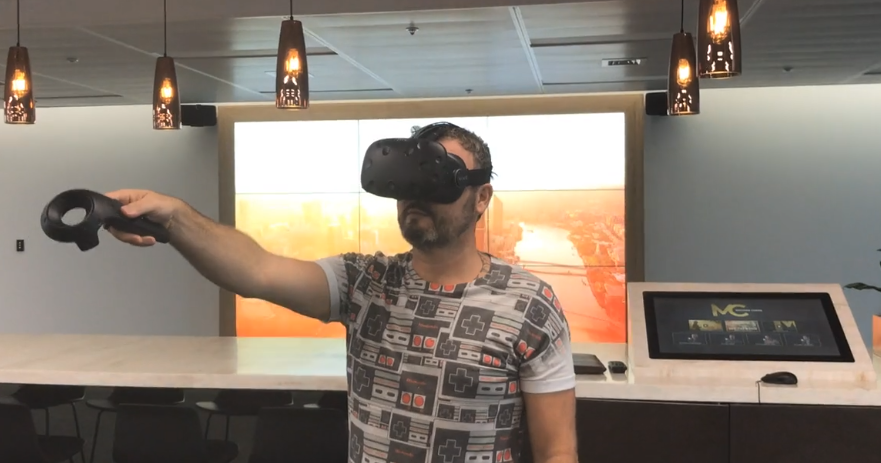
Our current solution for a 9 screen video wall controlled by an interactive touchscreen.
Using 10 brightsign LX players we created an interactive touchscreen interface to control a 9 screen video wall. It required a brightauthor master / individual slave with individually published brightauthor projects.
To create the project we had to split video and images manually in 9 sections and nullifying the ability to feed a live stream over 9 panels.
Developing the master and slave project files was unnecessary convoluted due to working with sync commands between each possible 1/9th x 8 x 5 pages section of an menu, image or video. I did not get around to solving this with variables yet, which I assume would make the project more manageable. .
Question 1 - does anyone have good examples for master and slave interactive projects that use variables?
2. The new autowall feature, appears to be getting closer to what we need. I’m still unsure if interaction from one single brightsign sending sync commands with the 9 screen autowall is possible,
Question 2 - can you send sync commands from an independent brightsign unit 10 used for an interactive touchscreen to an autowall publish eg: Master 1 sends sync1 to autowall ip's?
3. Autowall works with HTML5, In theory if we were to replace the kiosk/touchscreen with a XT with HDMI in we could send out video stream via IP streaming, although I am unsure if you can sync-instruct a autowall from a master Brightsign mediaplayer and how well the 9 slave units will receive the ip stream, yet in theory they should be able to handle this.
Question 3. can i send a live video feed (from a PC it's a VR feed) feed using a XT1143 through its HDMI port, via IP stream out to a autowall project of 9 LX players (which all have IPstream in?
Attached a photo of infinite amount of sync commands, I hope to replace through the use of variables or improvements to bright/auto wall allowing a master/slave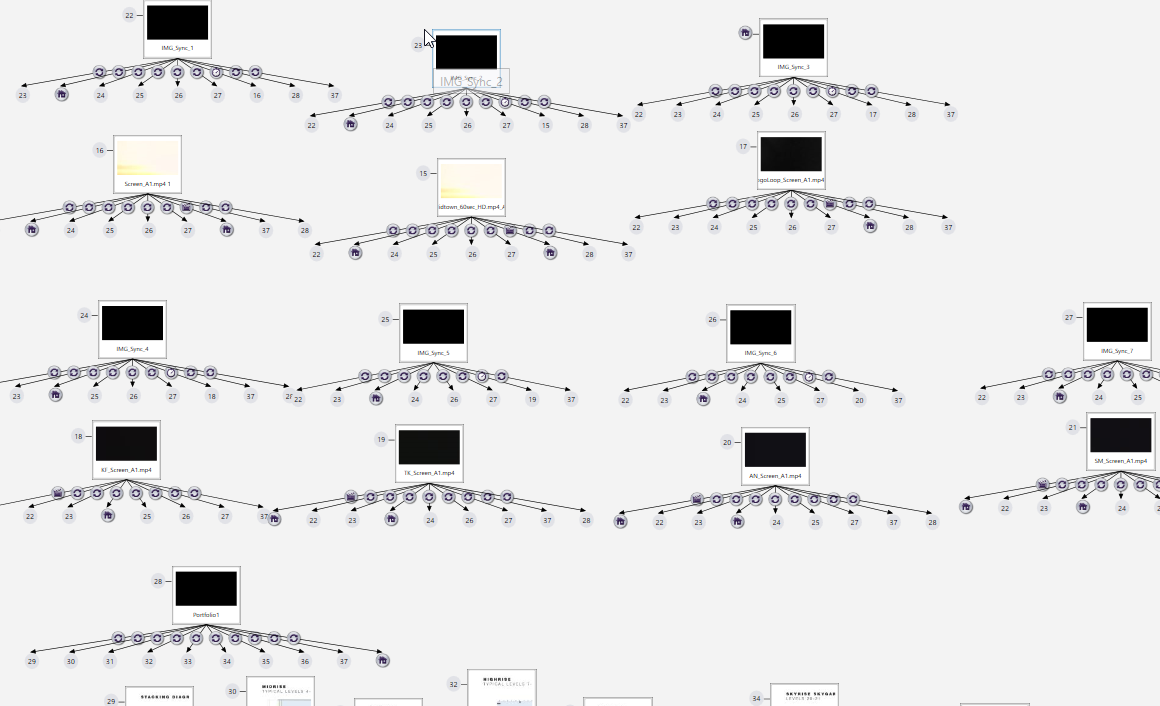
Photo of the 9 panels, interactive touchscreen and vr unit, we would like to stream the vr feed to the 9 panel wall, if we could use the brightsigns rather than a splitter for this would be great.