Hi,
We are testing the inclusion of video (mp4) in our regular content, but we have run into a minor snag.
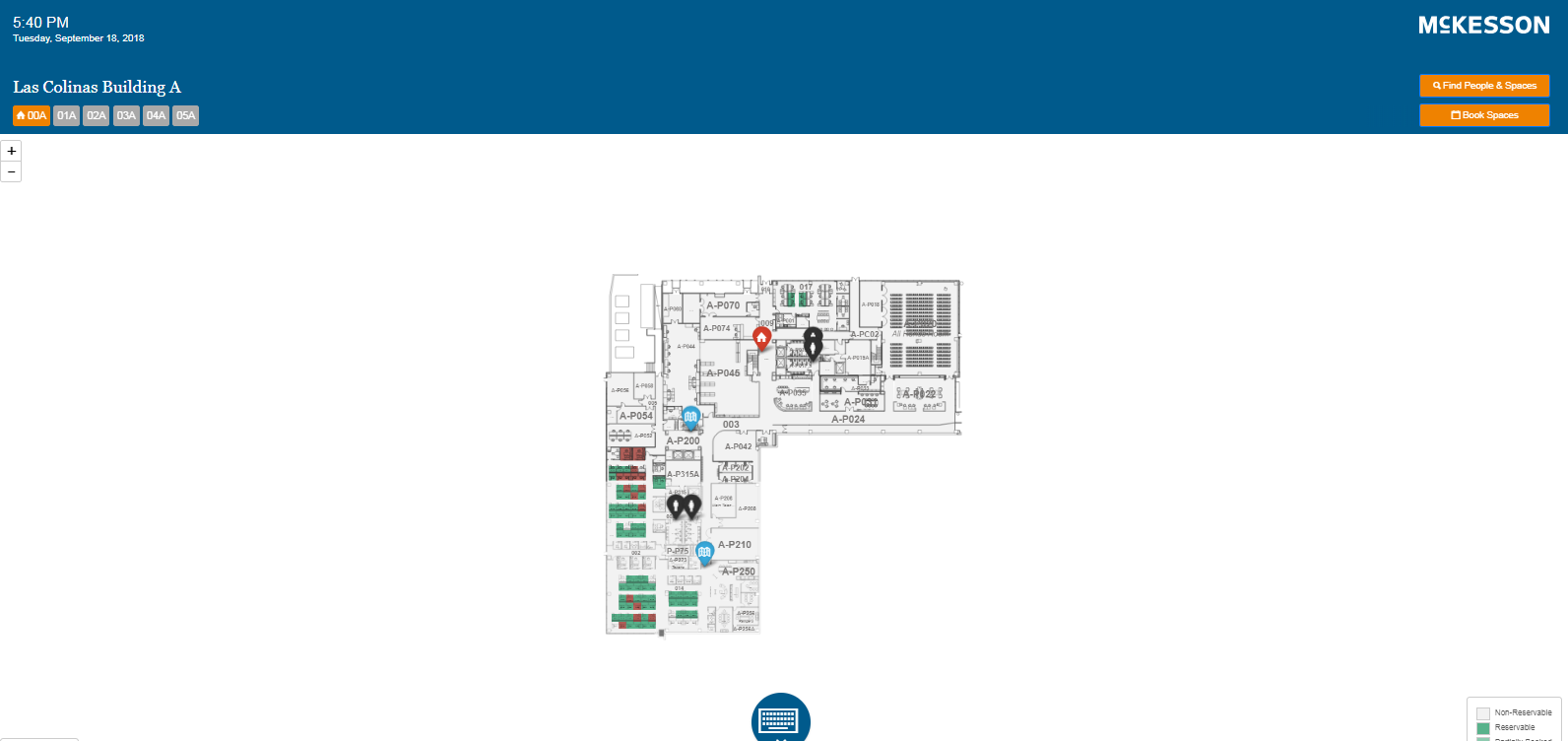
When a video is playing and the wayfinding is initiated, the video sound continues to play in the background. Is there a command / action to send to stop or mute the video when the wayfinding is activated?
I uploaded the video via the BrightSign Network and dropped into onto the timeline with our content on the playlist.
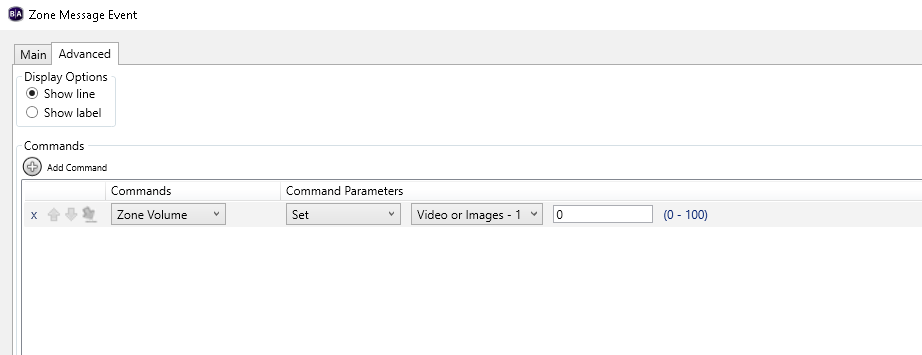
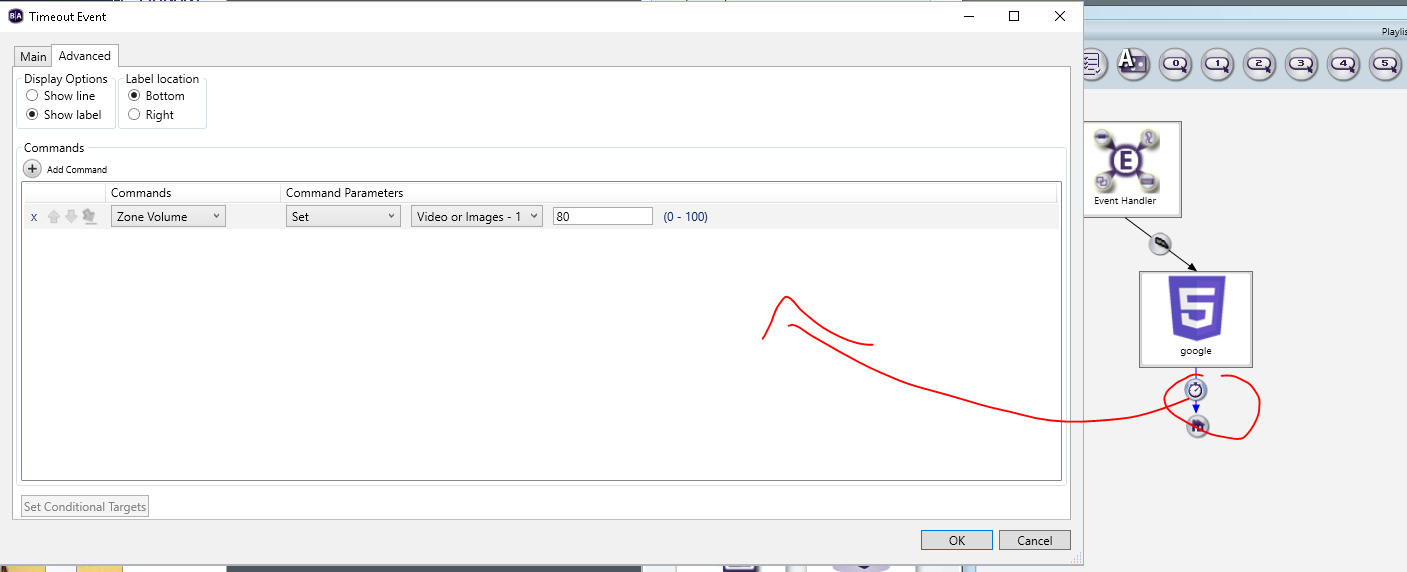
Would I instead need to use the interactive BrightAuthor playlist and upload the mp4 as a 'Video Play File'? And use the various connectors to mute or stop the video? If so, what commands would I use?
Please advise.
Thanks,
Jason

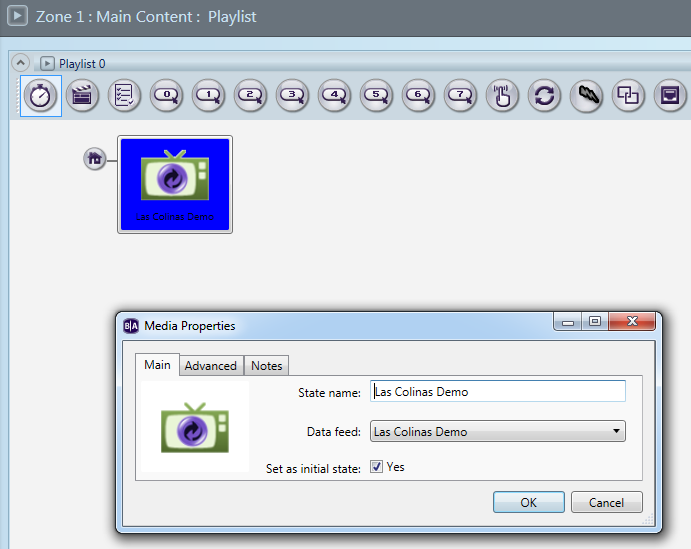
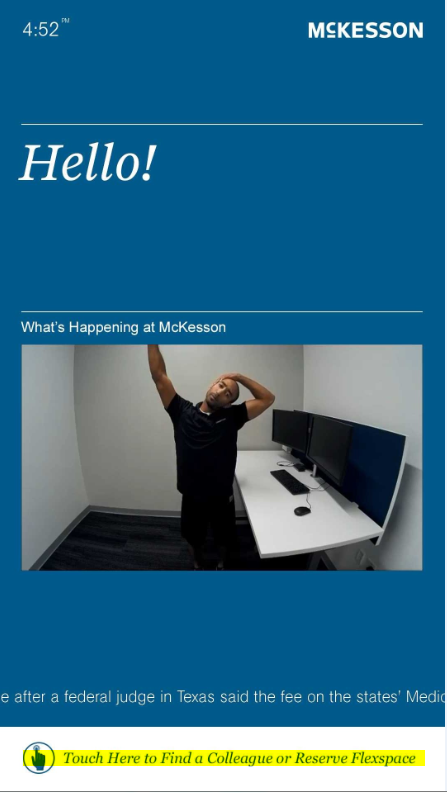
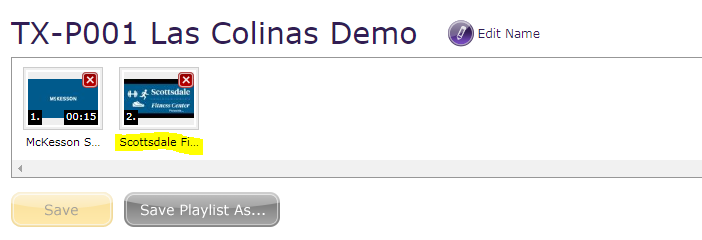 Below is a screenshot of the monitor (Screenshot A).