Hi,
I need to make a simple sync set up, but I’m running into some issues.
I’d like to sync 3 BrightSign XT244 players set up on a wired local area network. The 3 players need to play 3 different video files of the exact same frame length. And they should loop at exactly the same time so they are frame-matched. The video length is about 1 minute long.
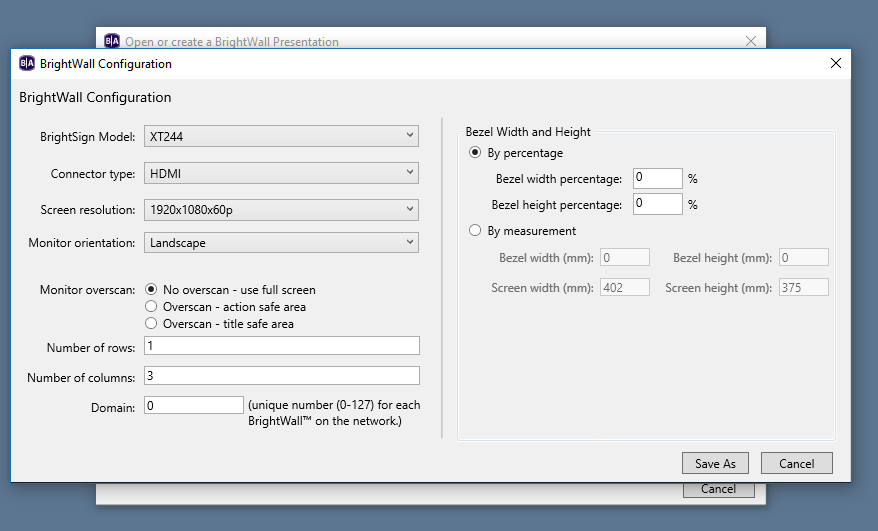
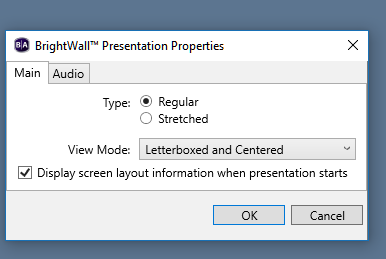
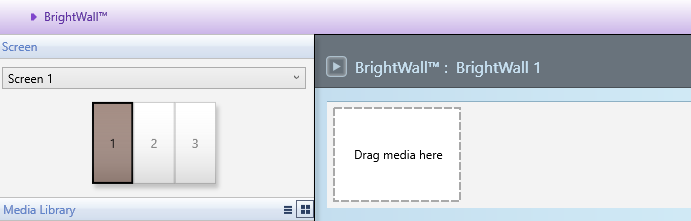
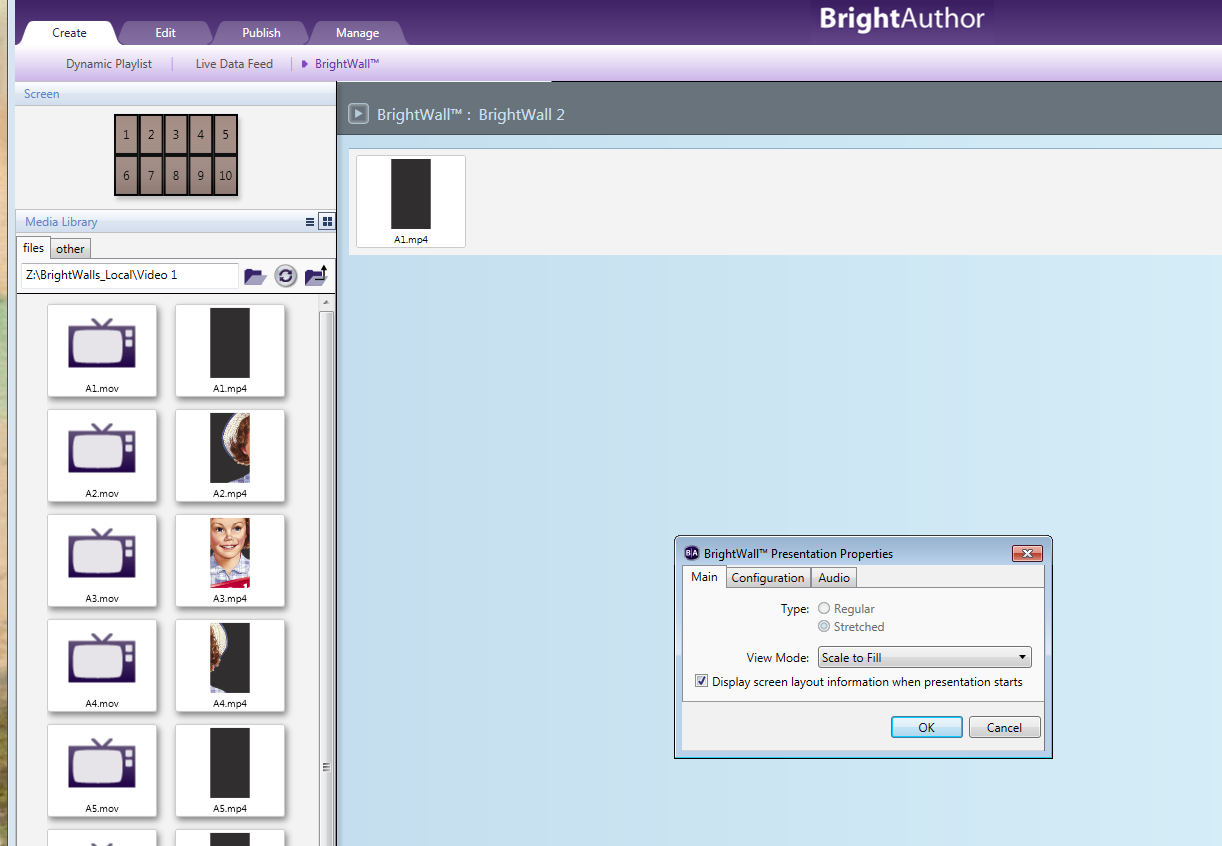
I’m using BrightAuthor 4.7.2.5 to create 1 row by 3 columns in ‘Create BrightWall Configuration’. In the ‘Brightwall Presentation Properties’ menu, under Type, it will only let me select “Stretched” but I need it to be “Regular”. I want 3 distinct screens playing synced content. Regular is grayed out and deactivated.
How can I select ‘Regular’? So that I can control the content porting to each screen?
Thanks!
John