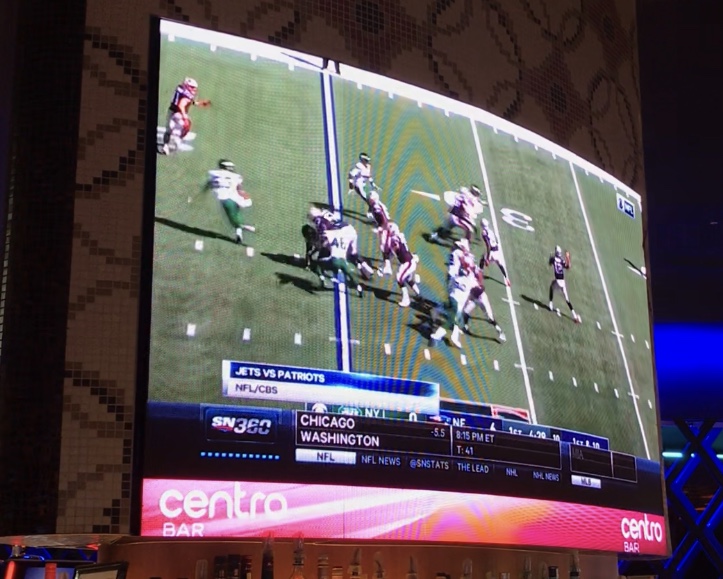
I have an XD1132 (firmware version 7.1.113) that displays live TV with a banner below it on a 16:10 display video wall. There are three zones in the presentation: Live TV displayed on the top 1920x1080 (video-only zone 1), a looping video on the bottom 1920x120 (video-only zone 2), and an image logo with transparency over top of the looping video on the bottom 1920x120 (images zone 3).
It works perfectly fine, but the problem I have is that whenever the presentation refreshes, the background color set for the presentation fills the screen and the zone content won't display until I unplug & plug back in the HDMI cable or reboot the BrightSign player. I know for sure that it's the BrightSign background color hiding the zone content because I can change the presentation's background color, upload it to BSN, and the zone content will disappear behind the new background color. This consistently happens when the presentation is updated, another scheduled presentation plays or the presentation gets refreshed at midnight. I've tried different XD1132 players and HDMI cables, but get the same result.