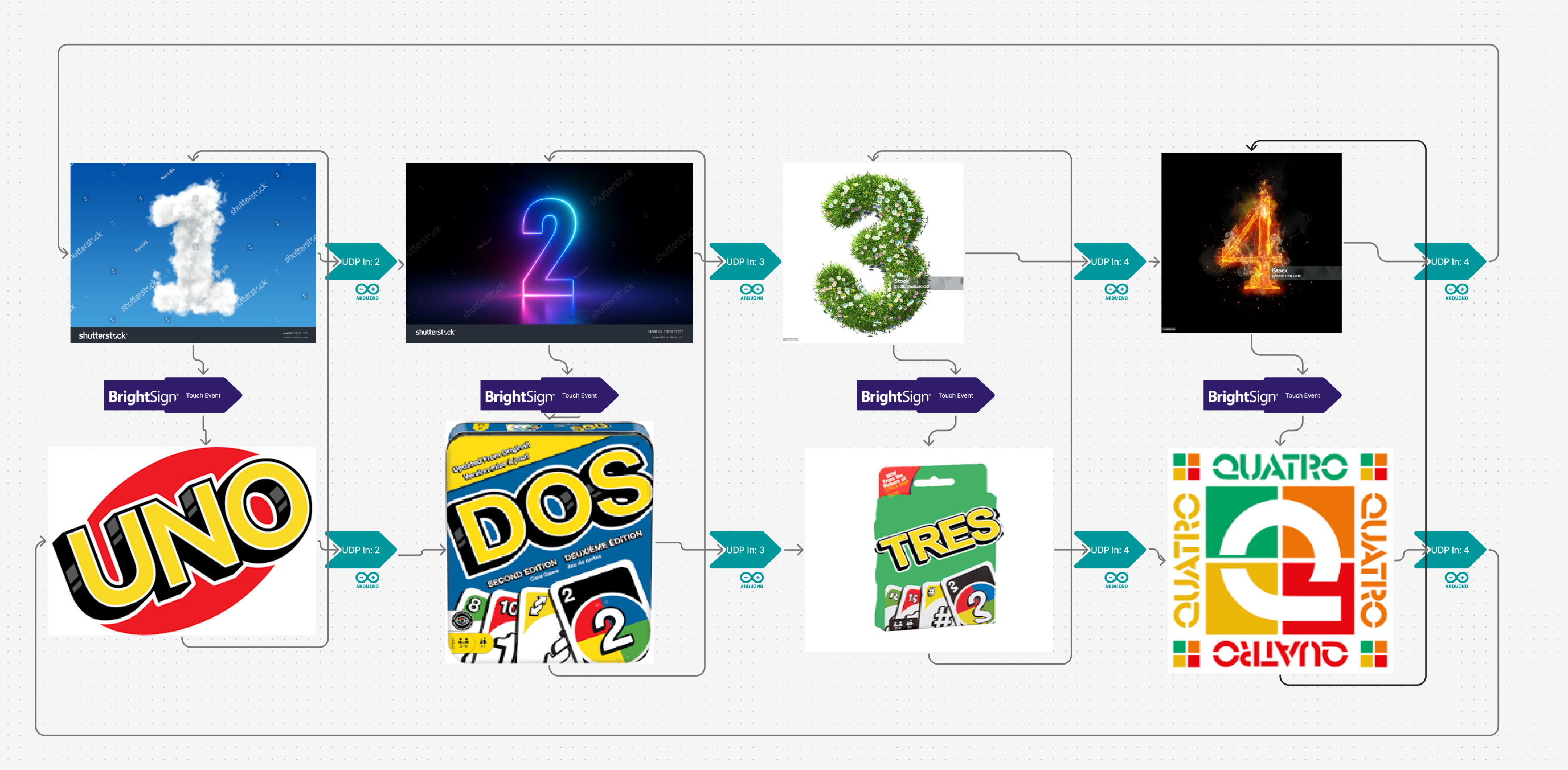
I'm building a two-touchscreen interactive exhibit using BrightAuthor:Connected and could use guidance on the cleanest design pattern. Here's what I'm trying to achieve:
Goals:
-
Two languages: Visitors can toggle between English and Spanish via a touch button.
-
Each slide exists in both languages: So there’s an
eng/slide1and aesp/slide1, etc. There are about 10 slides, but the logic of which is displayed when is complex and Arduino controlled. -
UDP commands control state: An Arduino sends simple slide commands like
"1","2", or"home"over UDP. (I got this working!) -
Avoid a spider web of transitions: I want to define navigation logic once, not draw every possible cross-link between slides.
Questions:
-
What’s the cleanest way to implement language switching without duplicating all UDP event handlers in each state?
-
Is it possible to use a single UDP event handler that sets a variable like
NAV_STATE, and then use that variable to control transitions? -
Should I use a dedicated logic zone with event handlers that feed variables to a main media zone?
-
Can language toggle buttons simply switch a
LANGvariable, and the active state display adjusts accordingly?
I’ve looked into Event Handler states and variable-based transitions, but I’m unsure how to structure the project to minimize maintenance overhead and maximize clarity. They are confusing to me.
Would love any advice, patterns, or starter projects folks have used that are similar!
Thanks!