0

BrightAuthor Connected - Media List looping

Hi,

Using the BrightAuthor, i used to have my ImageList, place Images in this, and have them loop. Perfect for Displaying looped images (grouped), on different sections of our interactive. It worked a treat, and had "Image Timout" so each image played for 9 seconds.
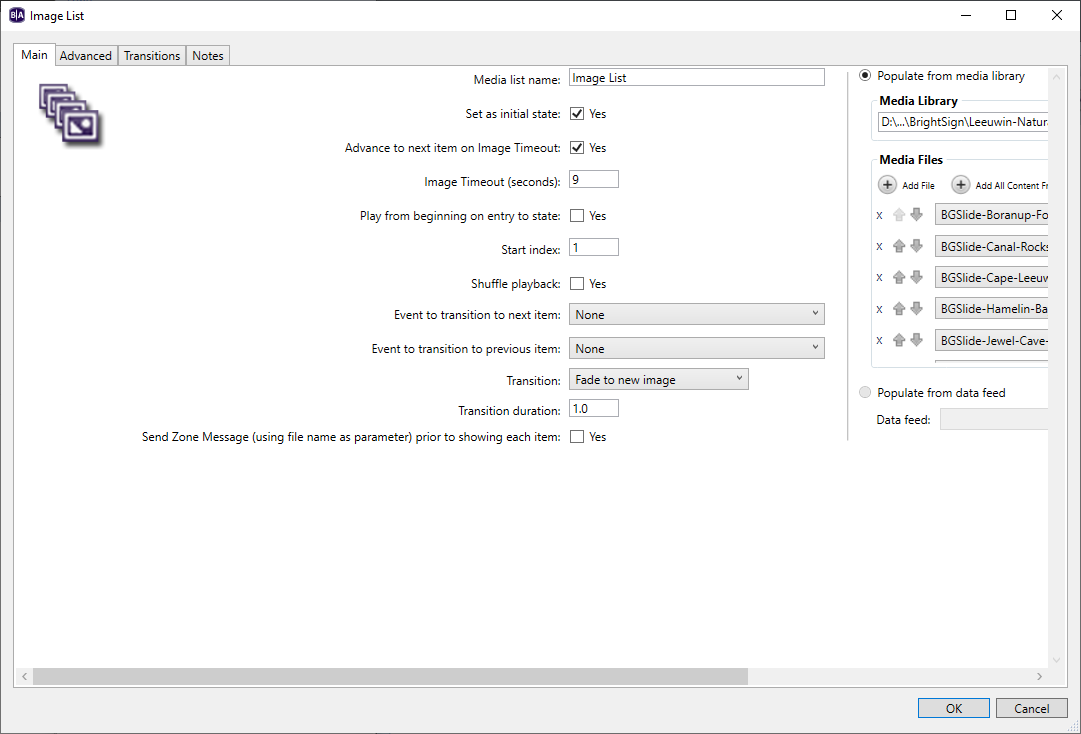

Is this not a thing in BrightAuthor connected? 
I dont want to add a single Zone for images and use onTimout play next, as i have 5 Galleries. Simple top do in the other system.
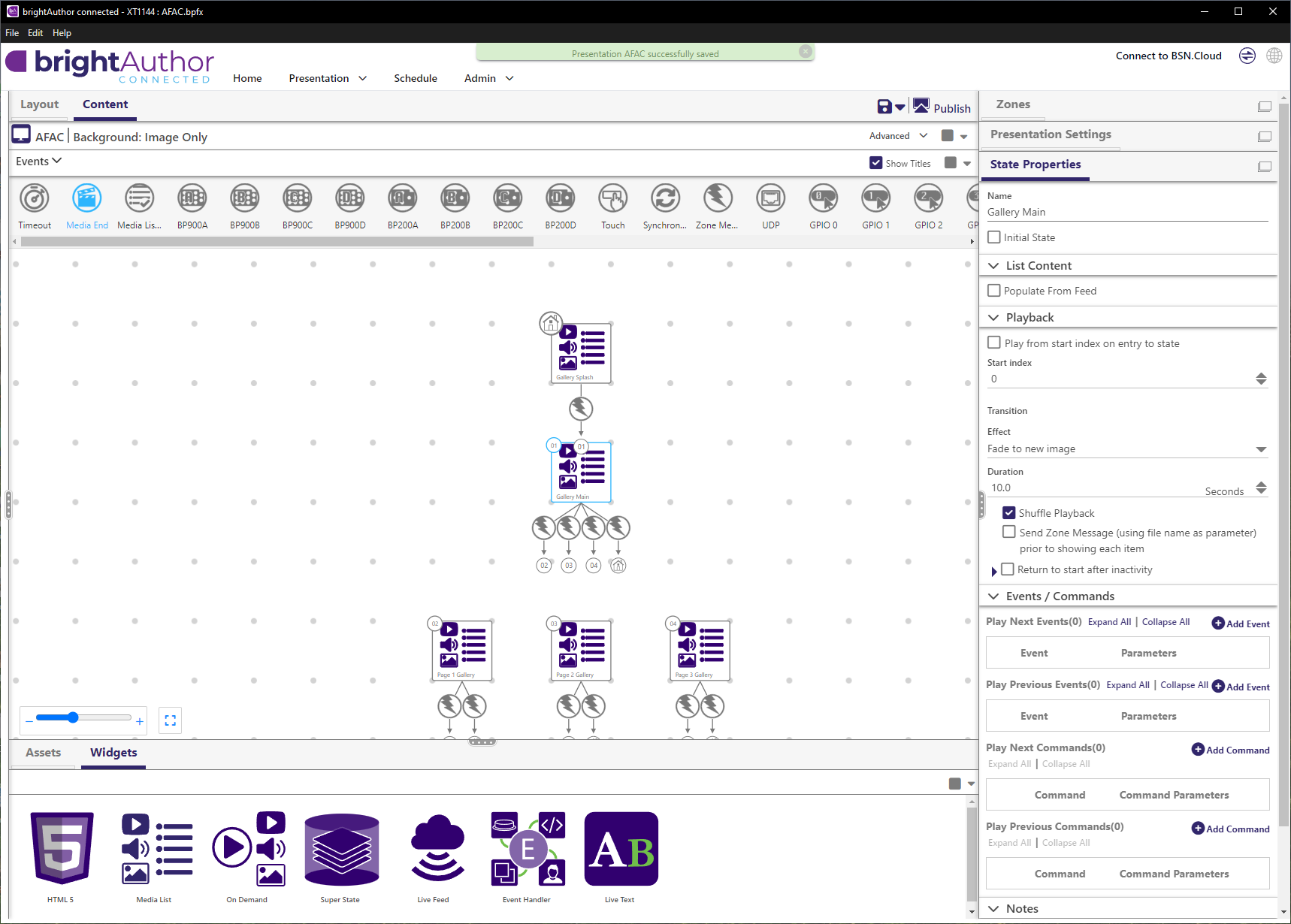
In my prefs, i even set Timeoiut duration... 
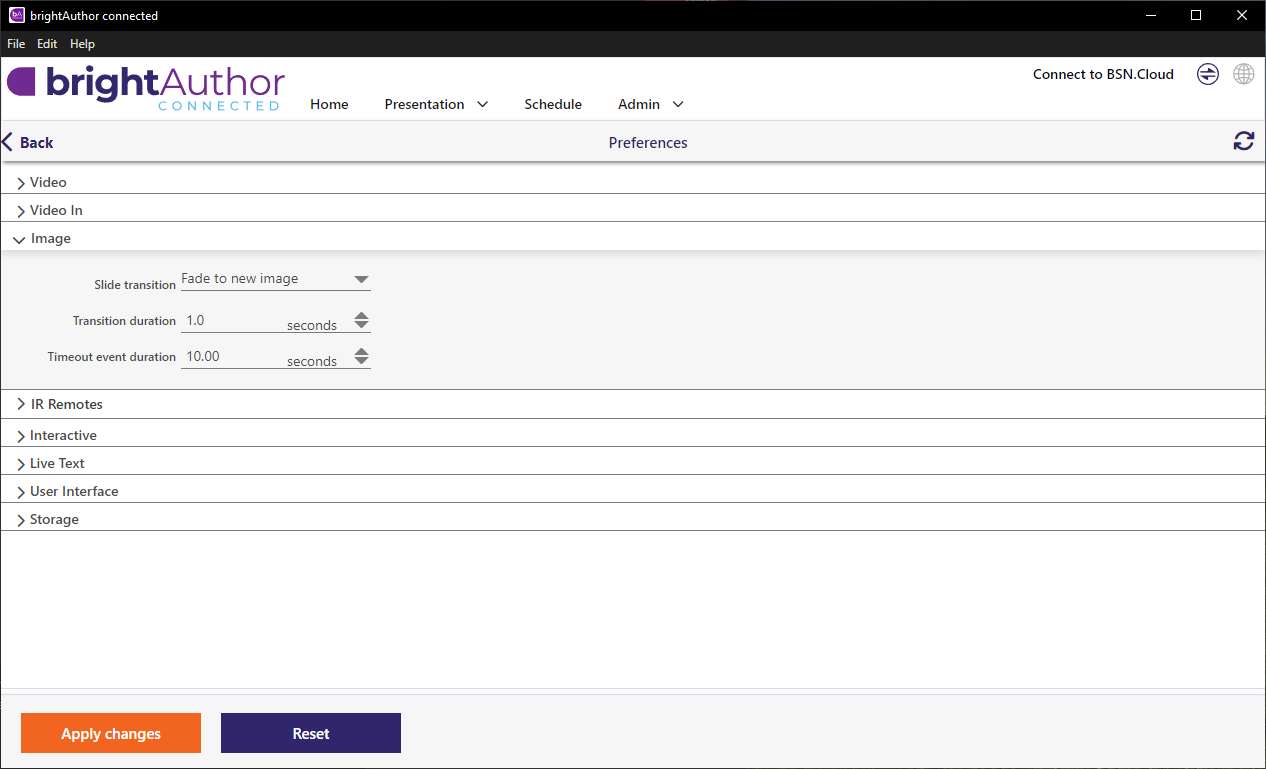
 

So do i need to trigger timeout events now somehow?

Any help appreciated.


8 comments

  • 0
    Avatar
    404ryannotfound

    Cheers Thomas, I tried all ways to make it loop, it never does, always stays on the first image. There is no "Image timeout" associated to make it transition to the next. Would appreciate any screenshots (or even better a basic example) if you have time.

  • 0
    Avatar
    Doug

    Ryan - were you ever able to come up with an option for looping in the Media list?

  • 1
    Avatar
    404ryannotfound

    Hi Doug, no I actually reverted to using the BrightAuthor classic app not connected. Hopefully a Dev picks this up. I will try again though as I need same feature upcoming.

  • 2
    Avatar
    Brandon

    A. Use Play Next event
    Add Timeout as a Play Next event

    B. Use a Timeout event on the state itself
    1. Make sure Play from start index on entry to state is *not* set in the Media List.
    2. Add a Timeout event on the Media List state that *transitions* back to the same state.

    NOTE: If you have a mix of videos and images in the Media List and want to move to the next item at the end of each video, use method A and add a Media End event on the Media List state that *transitions* back to the Media List state.
    If you have both Timeout and Media End as Play Next events, the Timeout will apply to videos as well as Images, so videos in the list will play no longer than the Play Next Timeout duration. Likewise, a Timeout event on the Media List state will still trigger if a playing video is longer than the Timeout duration. 

    https://docs.brightsign.biz/user-guides/media-list-state

    _________________________________________________________________________
    Friendly reminder, the community forum is intended for user-to-user discussion.  It is not regularly monitored. For troubleshooting problems and to ensure a timely answer from a BrightSign representative, please submit a support ticket

  • 0
    Avatar
    404ryannotfound

    So good Brandon, thanks so much!

  • 0
    Avatar
    Doug

    Brandon - Thank You! I put still images in with video clips and it cycles thru the assets like it is supposed too. I also made the media list container touchable which jumps you right back to the first position in my project. Thanks also to you Ryan for asking the question and keeping this moving forward.

  • 0
    Avatar
    Sven

    Hi all,

    I also came to the point where I want to use mixed videos and still images within a media list item. I tried all of the above, but while the  Media End Event will trigger the playback of the next file within the list regardless of type, still images will stay forever. How do I set the duration ? Following Brandon's suggestions

    - the duration setting in the global playback properties of the media list only applies to transition effects.
    - using an additional timeout as "play next event" does apply to all media including (longer) videos.
    - adding a global timeout event to the media list item (as in "B") does not trigger at all, playback sequence freezes at first still image in the media list as described above.

    I would not necessarily need different duration times for individual frames (woudl use separate items then) , but I cant see any useful way of using still images within a media list item if I have a single video that is longer than my still image timeout.

    Anything I am missing here ? 

    @ Doug: how did you manage that ?

    Using ba connected 1.76.0, which is the latest as of today, Feb 2026.

  • 1
    Avatar
    Brandon

    Do not set a Play Next Event for Media End

    Do not set Play from start index on entry to state, otherwise it will return to the start or first item (if shuffle is enabled) after the first video finishes

    Set a Play Next Event for Timeout.

    Add a Media End event on the Media List state itself and have it transition back to the same Media List state.
    _________________________________________________________________________
    Friendly reminder, the community forum is intended for user-to-user discussion.  It is not regularly monitored. For troubleshooting problems and to ensure a timely answer from a BrightSign representative, please submit a support ticket

Please sign in to leave a comment.