Hello,
I am experiencing persistent red flashing LED + black screen on a BrightSign HD223, even with what appears to be a correct standalone SD setup. I would appreciate guidance on what I might be missing. I spent a couple of hours trying to debug this with ChatGPT guidance to no success. Here is the run down.
Hardware
-
Player: BrightSign HD223
-
Storage: microSD (tested, freshly formatted)
-
Displays tested:
-
Standard TV via HDMI
-
Portable Arzopa monitor (mini-HDMI)
-
-
Result is identical on all displays
Symptoms
-
Without SD card: HDMI signal detected (black screen, no error)
-
With SD card inserted:
-
Red LED starts flashing immediately when HDMI is connected
-
Screen remains black
-
-
Issue persists across displays and cables
What I have already done
1. Clean reset / safe video mode
-
Booted with only
setup.brson SD -
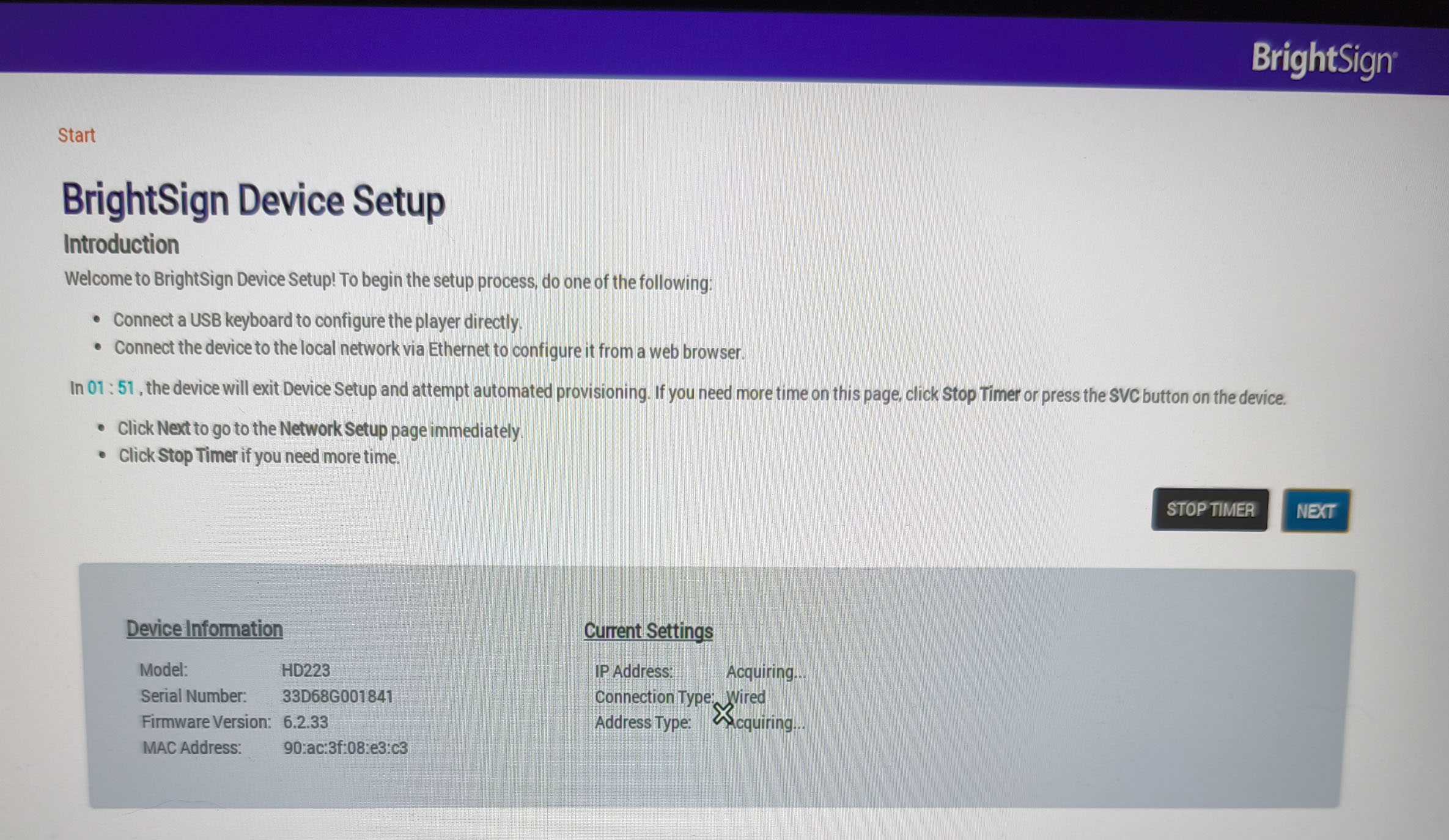
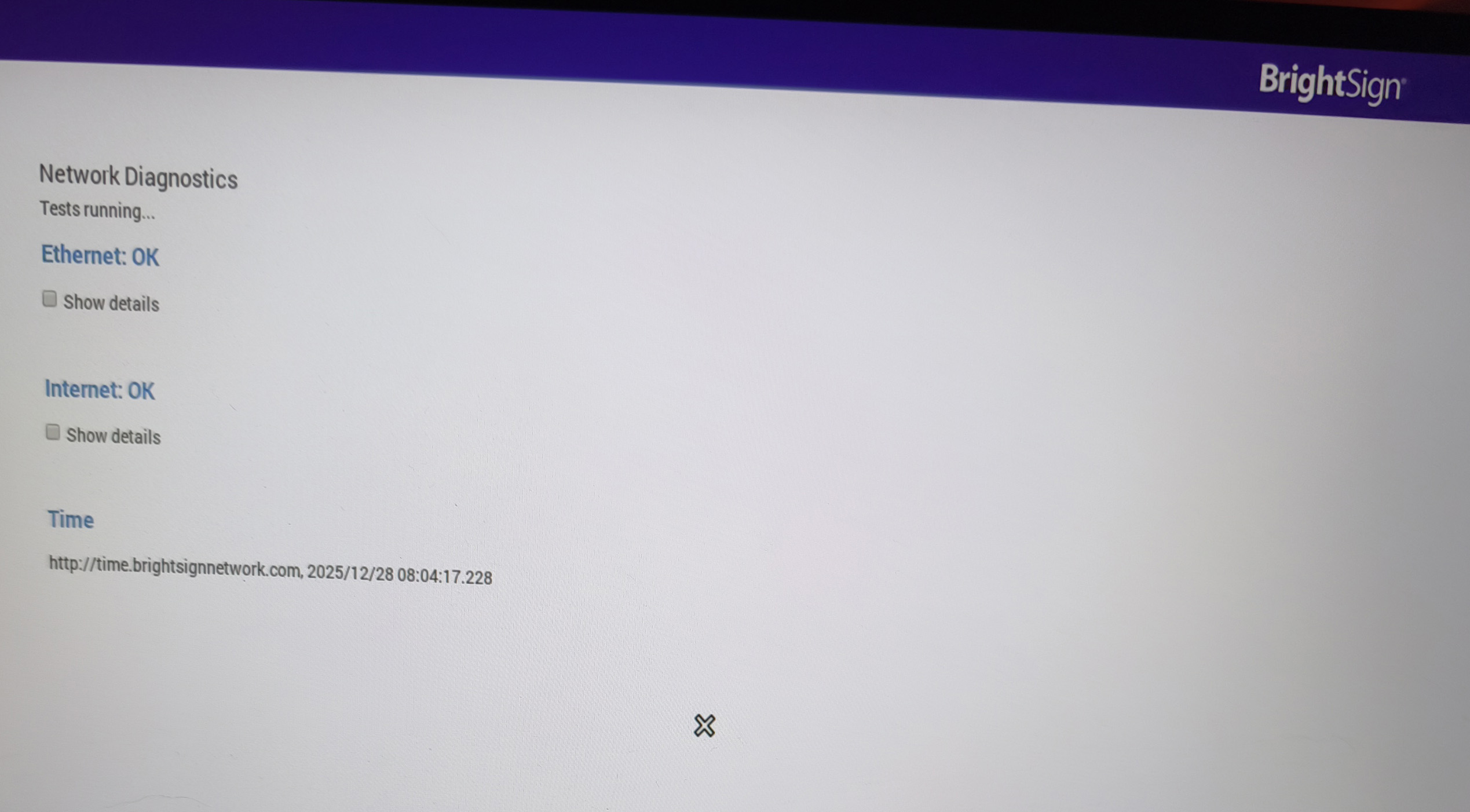
Successfully reached BrightSign Device Setup
-
Video output confirmed working in setup mode
2. Created a minimal test presentation (BrightAuthor)
-
Single zone, 1920×1080
-
Single PNG image
-
Duration: 10 seconds
-
No transitions, no widgets, no scripts
-
Audio irrelevant / disabled
3. Published as Standalone (Player Storage)
-
Destination: SD card root
-
Schedule: Active all day, every day
-
Publish completed successfully (green confirmation)
SD card structure (root)
autoplugins.brs
autorun.brs
local-sync.json
test3.bpfx
pool/
feedPool/
feed_cache/
brightsign-dumps/
No setup.brs remains on the card.
local-sync.json (excerpt)
{
  "files": {
    "download": [
      { "name": "test3.bml" },
      { "name": "example_resized.png" },
      { "name": "autorun.brs" },
      { "name": "autoplugins.brs" },
      { "name": "autoschedule.json" }
    ]
  }
}
The image asset is present in pool/ and referenced correctly.
Result
-
After ejecting SD safely and booting:
-
Red LED flashes continuously
-
No video output
-
-
Same behavior on multiple displays
-
Same behavior after recreating the SD from scratch
What I’m trying to understand
-
Is there a known HD223-specific requirement (video mode, EDID, HDMI timing, firmware mismatch)?
-
Can autorun.brs itself fail silently and cause red LED flashing?
-
Is there a way to force a known-safe HDMI mode permanently (not just setup)?
-
Any known issues with standalone playback + image-only presentations?
At this point, setup mode works, but any published presentation causes immediate runtime failure.
Any help or pointers would be greatly appreciated.
Thank you.